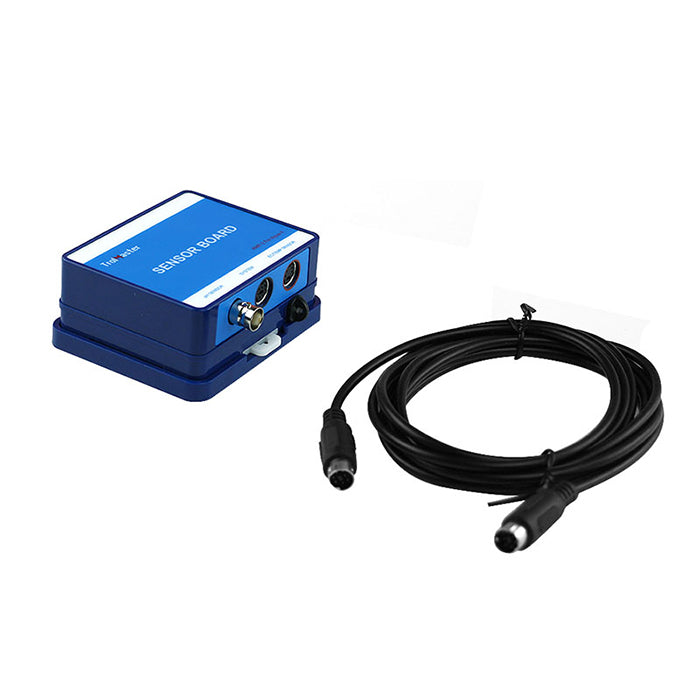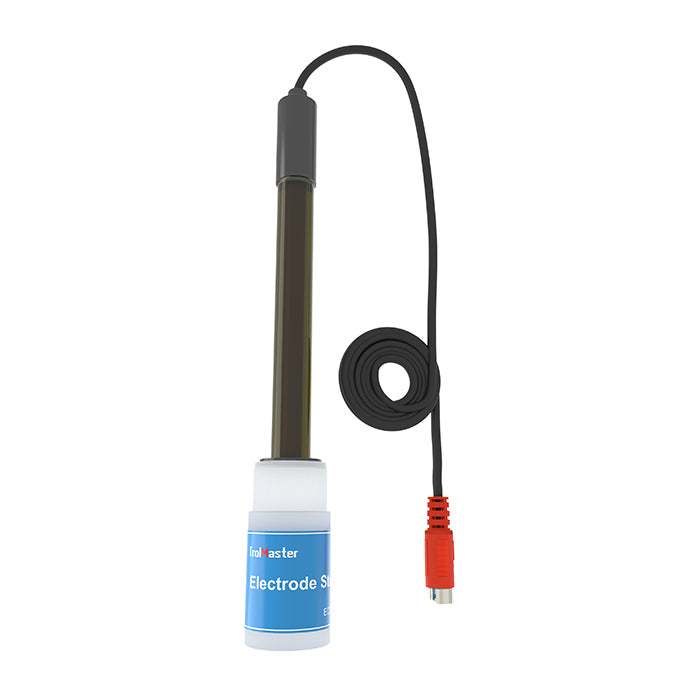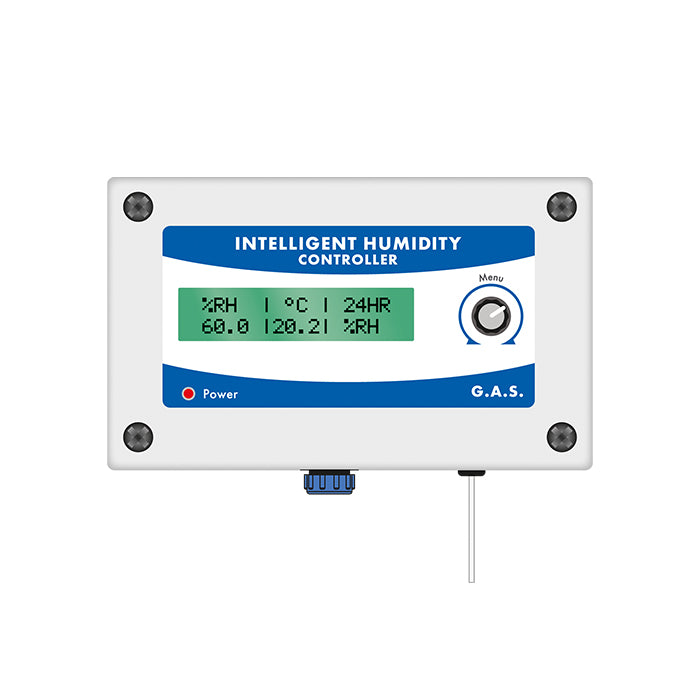
Monitor and manage your indoor growing environment with grow room temperature and humidity equipment. Shop digital thermometers and hygrometers, environmental sensors, heaters, humidifiers, dehumidifiers and compatible climate controllers for spaces ranging from compact propagation areas to larger grow rooms.
Begin with reliable measurements, then choose equipment that addresses the actual heat or moisture load. Compare room size, output, control range, sensor type, tank or drainage requirements and electrical rating—and check ecosystem compatibility before connecting automated equipment.
Grow room temperature and humidity control
Temperature and relative humidity influence plant water use, transpiration and the wider growing environment. They also affect one another: when air temperature changes, the relative humidity reading can change even if no moisture has been added or removed. Monitoring both values together provides a much clearer picture than checking either one in isolation.
There is no single target suitable for every plant, growth stage or room. Use the crop's requirements, observe plant response and take readings across the light and dark periods. More advanced growers may also use vapour pressure deficit (VPD), but the result is only as useful as the accuracy and placement of the temperature and humidity sensors behind it.
Temperature and humidity equipment
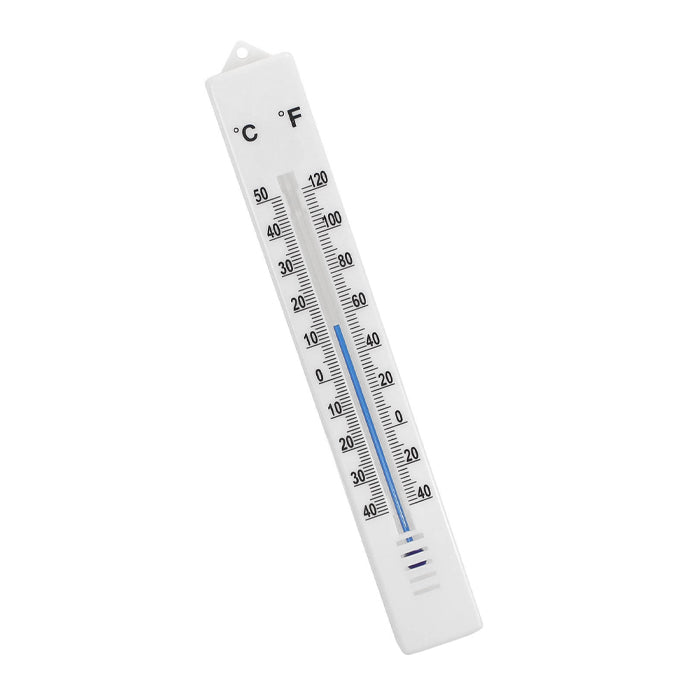
Thermometers and hygrometers
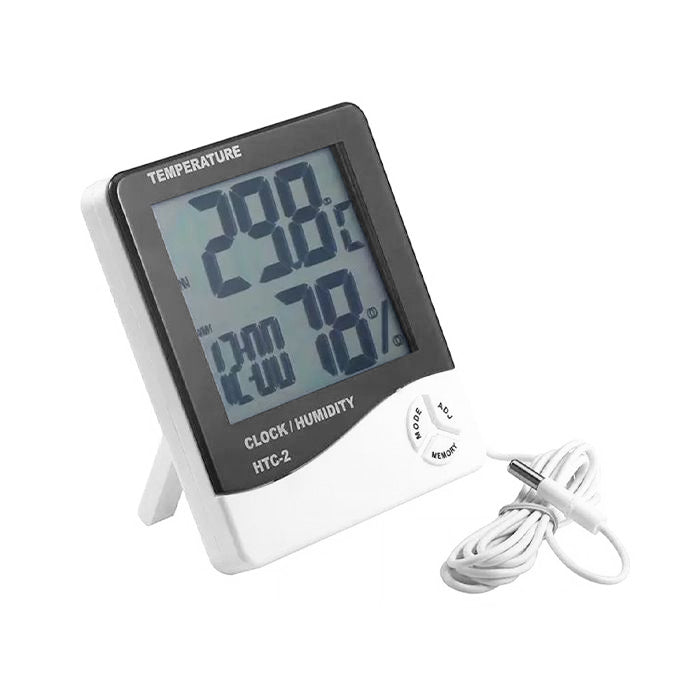
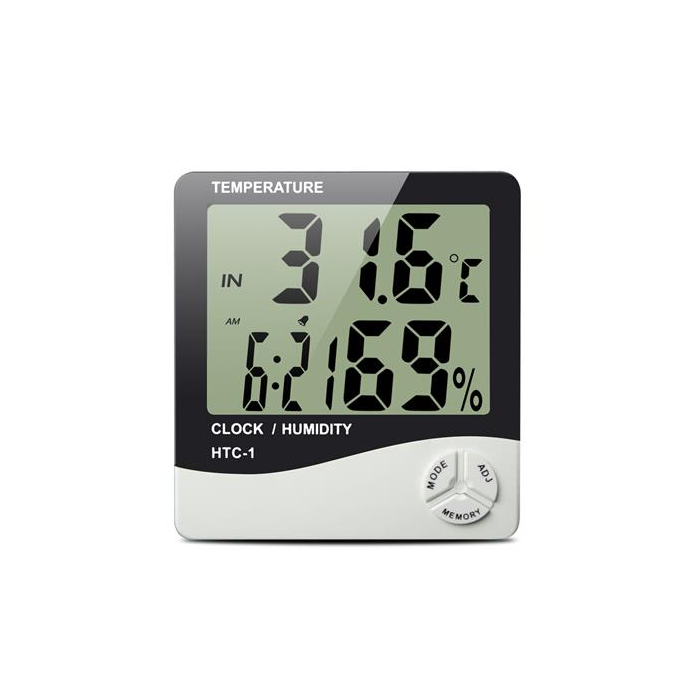
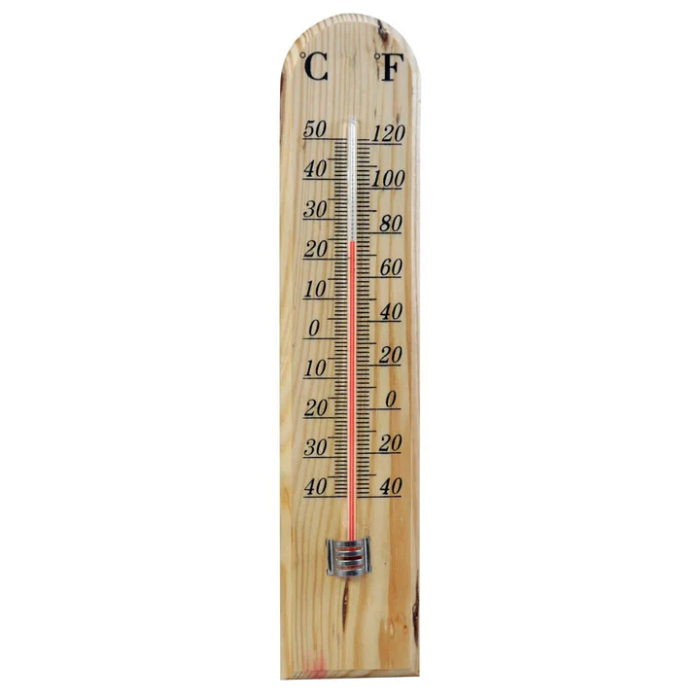
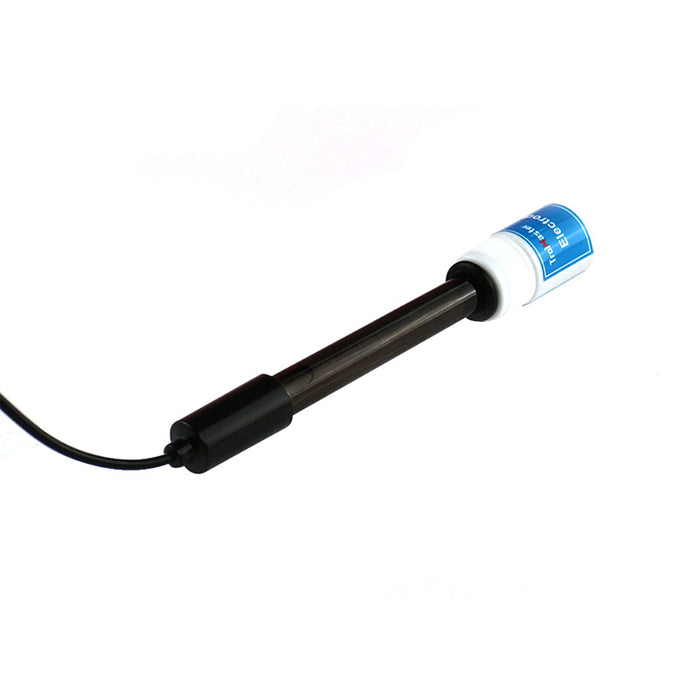
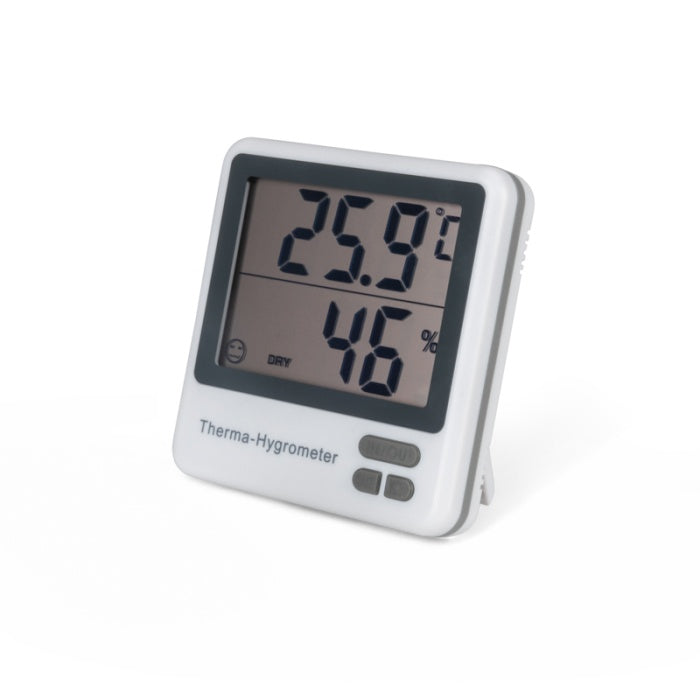
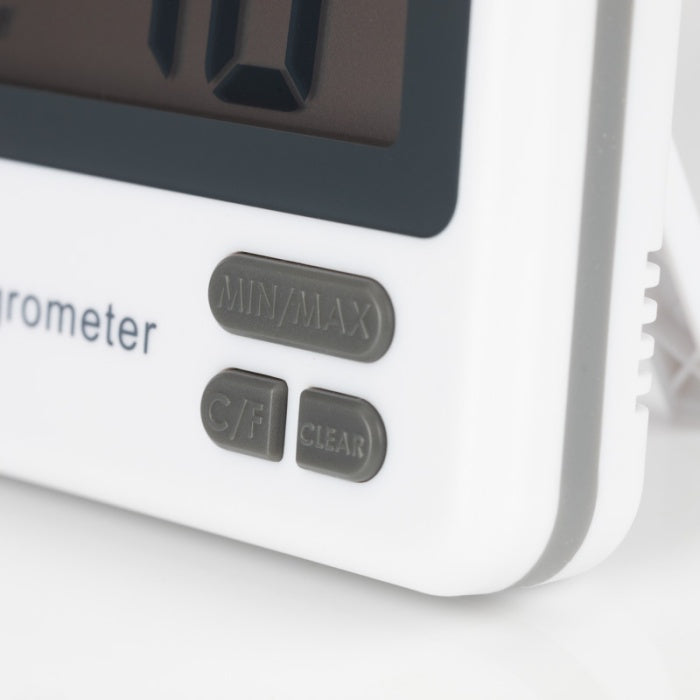
A combined digital thermometer and hygrometer is the simplest way to monitor air temperature and relative humidity. Large displays make current conditions easy to check, while minimum and maximum memory helps reveal peaks that occurred between visits. Models with a remote probe can measure a second location, but check whether the probe reads temperature only or both temperature and humidity.
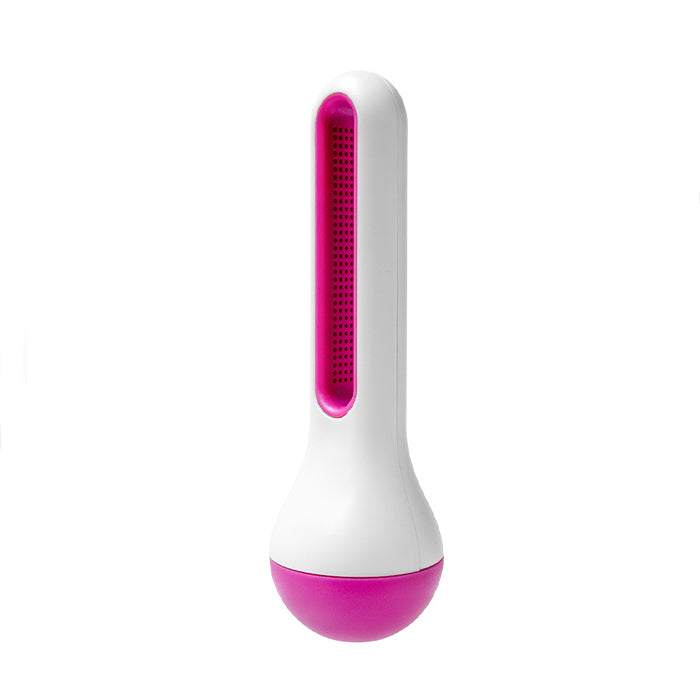
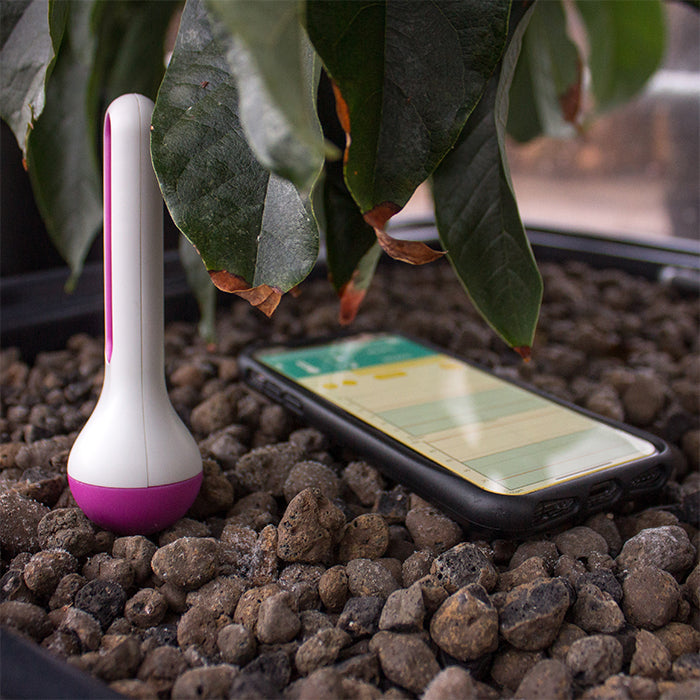
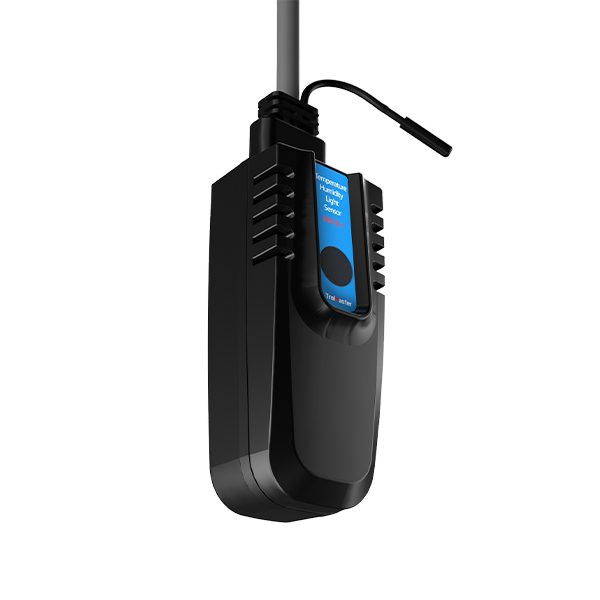
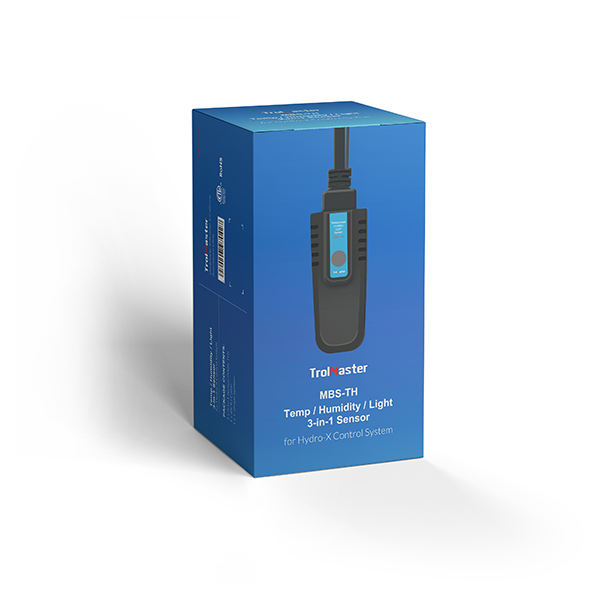
Wireless sensors and environmental monitors
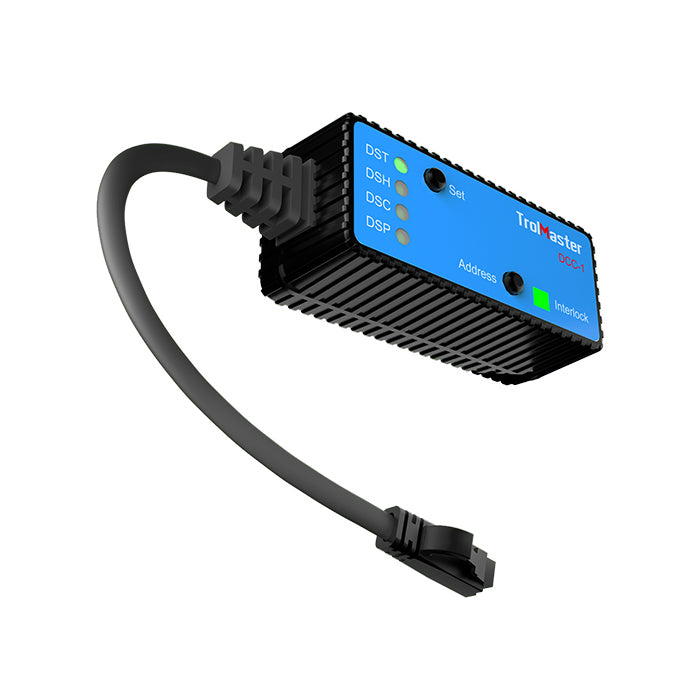
Wireless sensors and connected monitors can provide remote readings, history, alerts or integration with compatible control systems. Check the communication range, app or controller requirements, sensor specification and whether cloud access or a separate hub is needed. Place the sensor where it represents the growing area rather than simply where the signal is strongest.
Grow room heaters
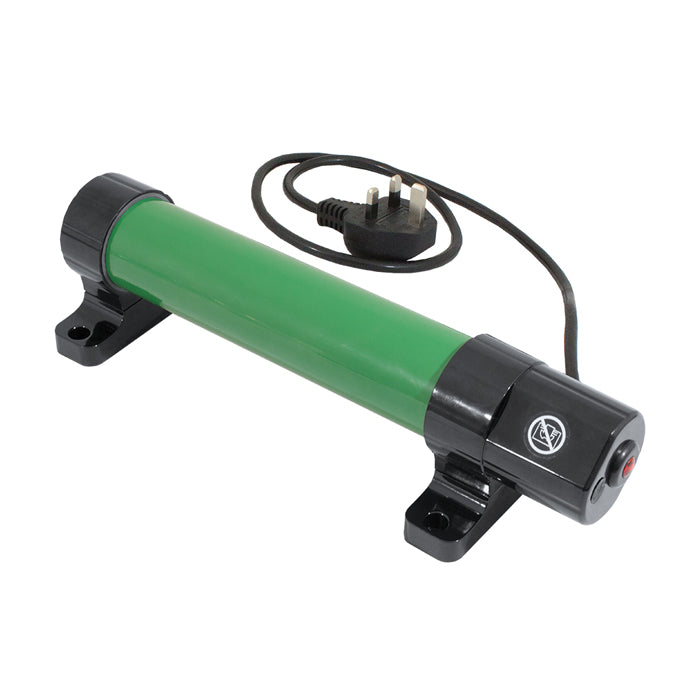
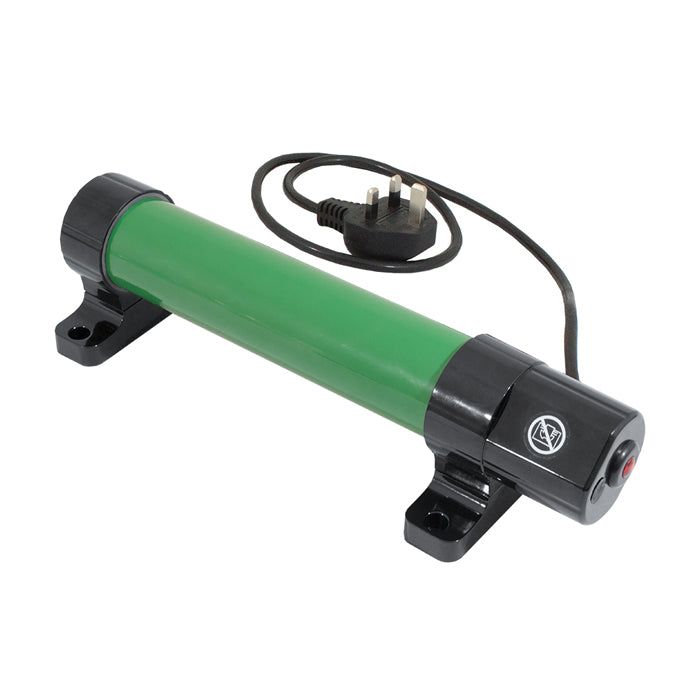
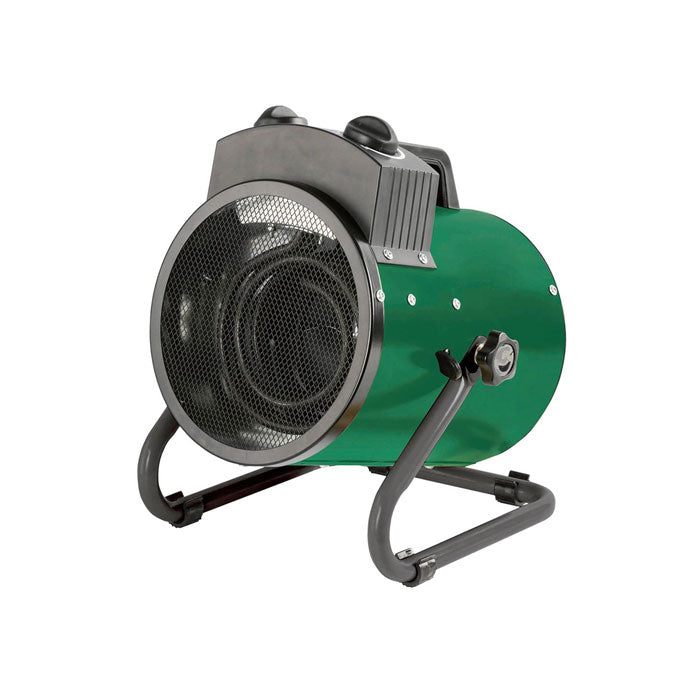
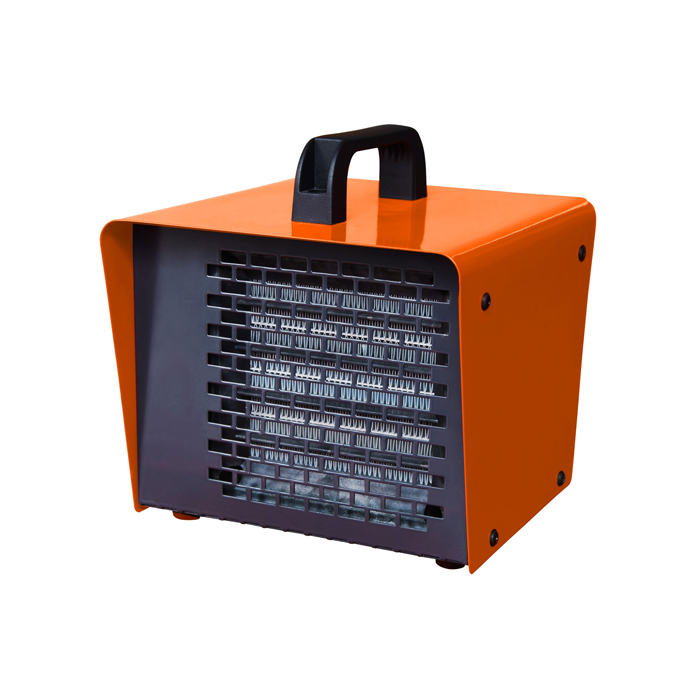
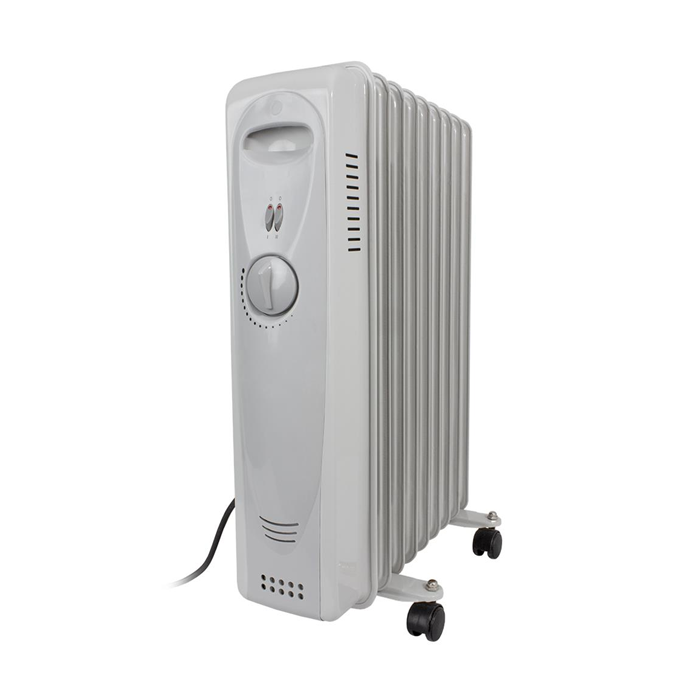
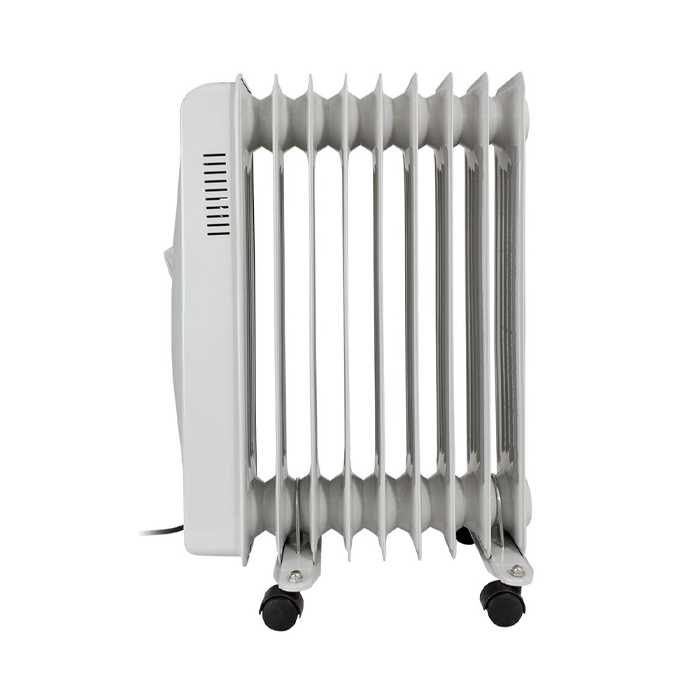
Tube heaters provide low-level background heat around walls, intake points or propagation areas, while fan heaters and oil-filled radiators can deliver greater output in larger or colder spaces. Compare wattage, thermostat compatibility, airflow, surface temperature and the manufacturer's clearance requirements. A heater should be sized for the room's heat loss rather than chosen by floor area alone.
Heat mats and propagation heating
Seedling heat mats warm trays and root zones rather than the entire room. They can be useful when the air temperature is acceptable but the propagation surface remains cold. Use a compatible thermostat or integrated controller where supplied, keep the temperature probe in the position stated by the manufacturer, and avoid trapping or folding the mat.
Grow room humidifiers
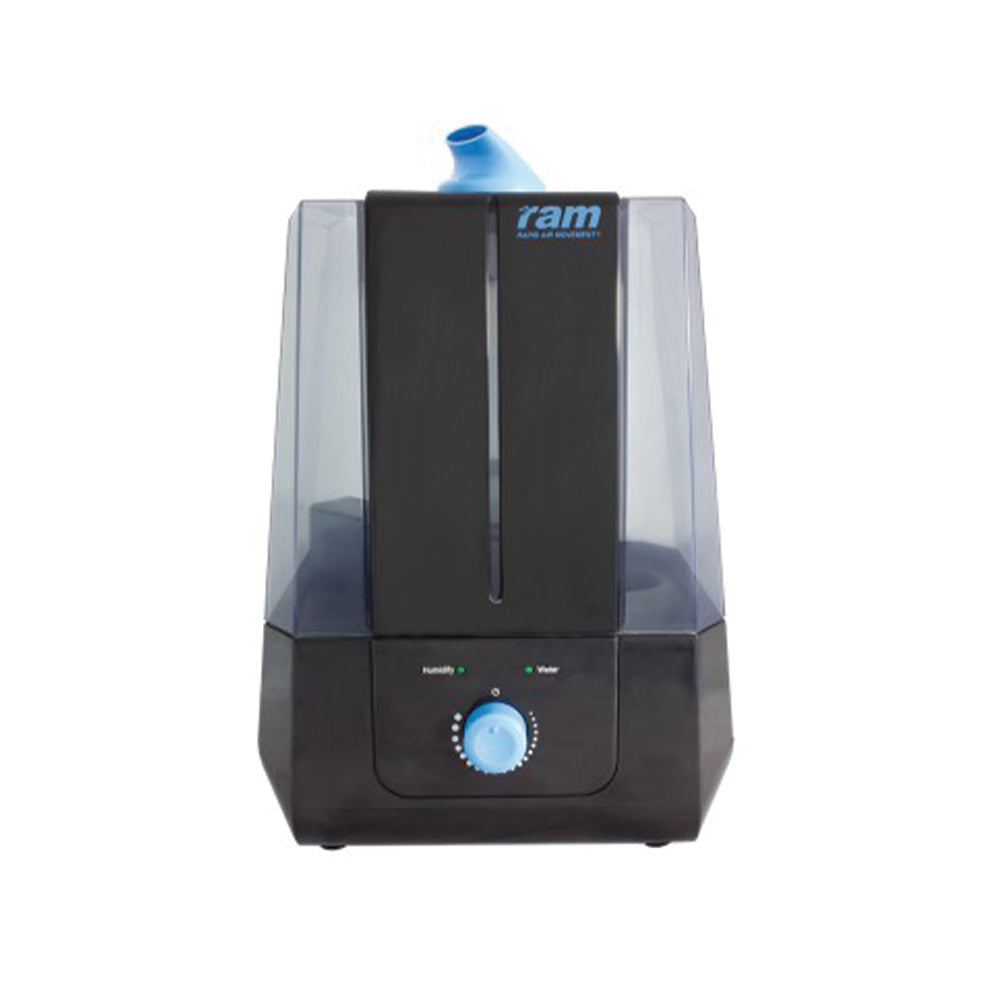
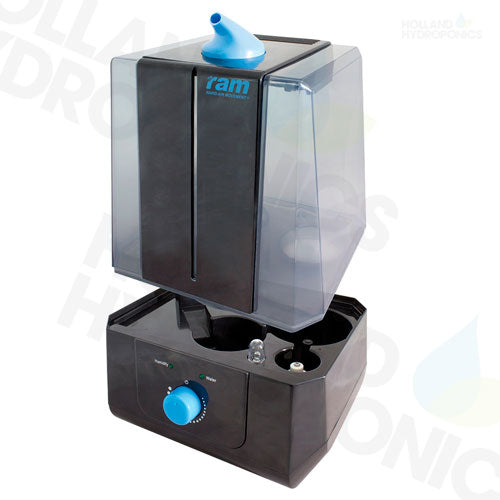
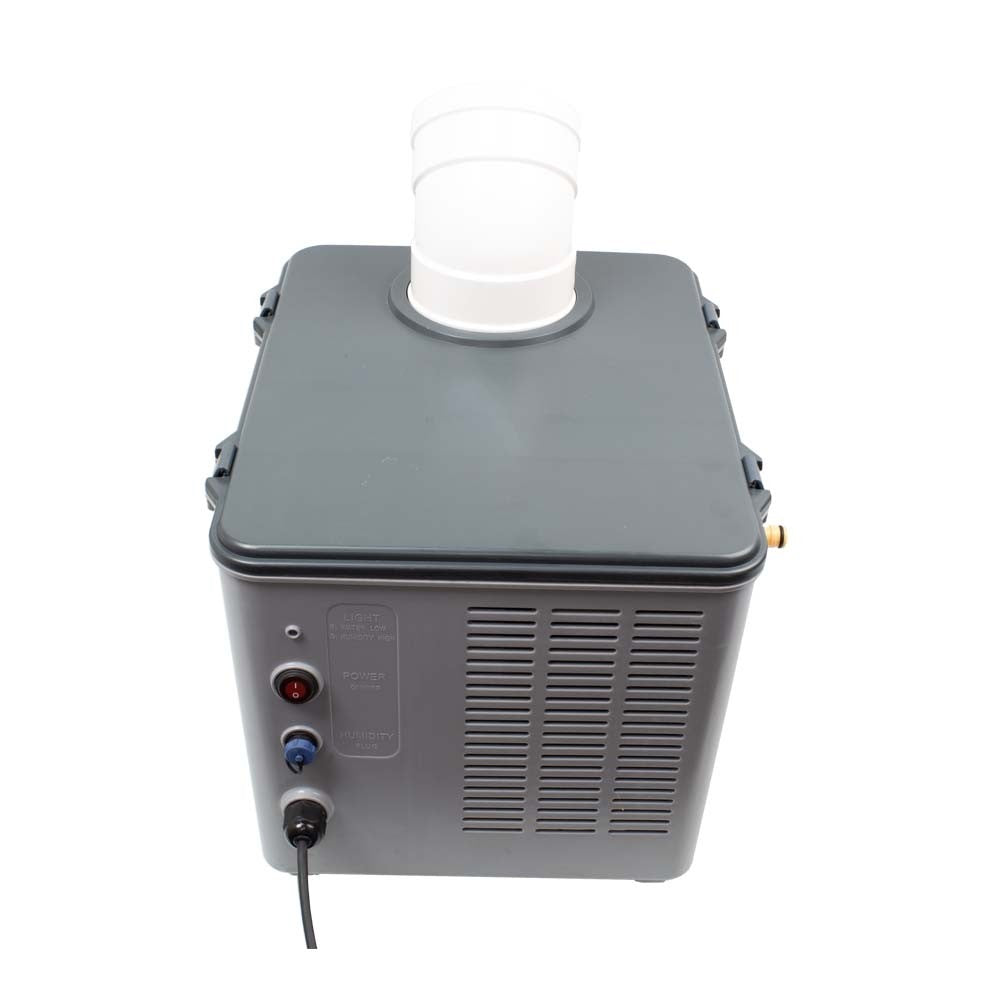
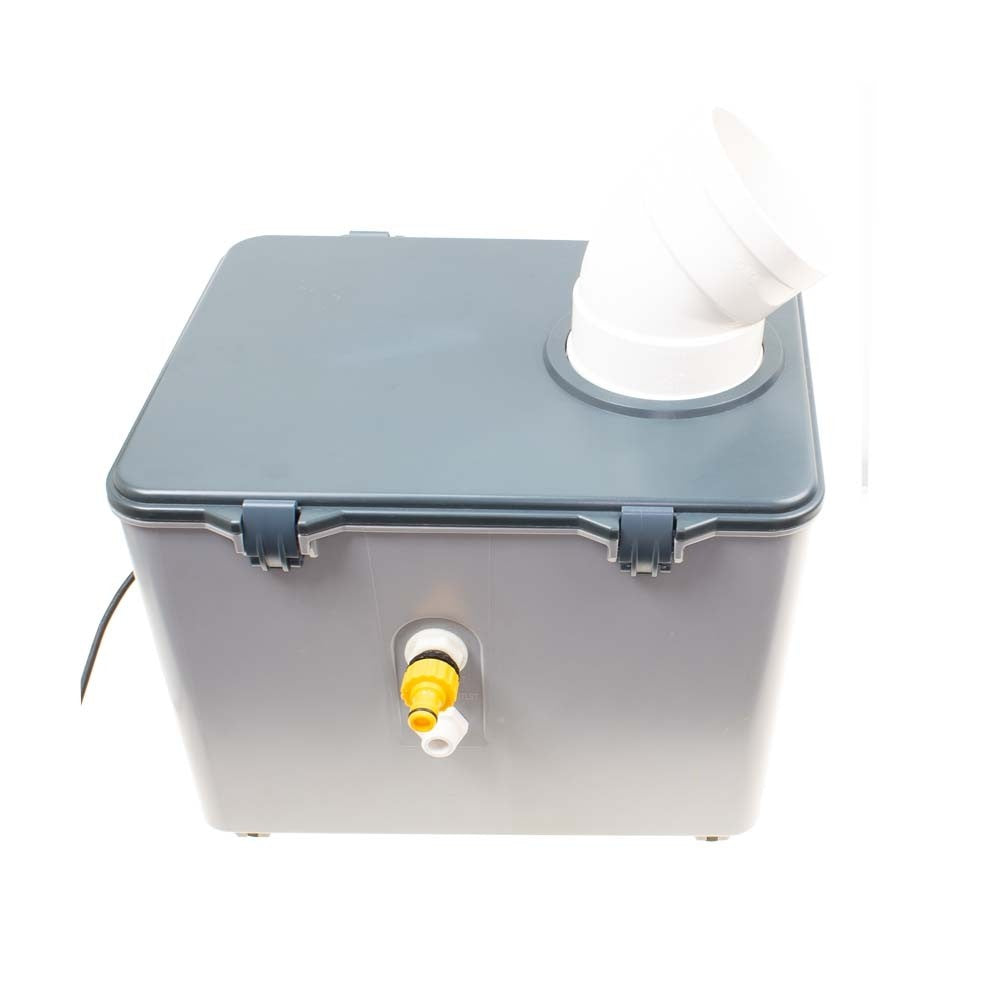
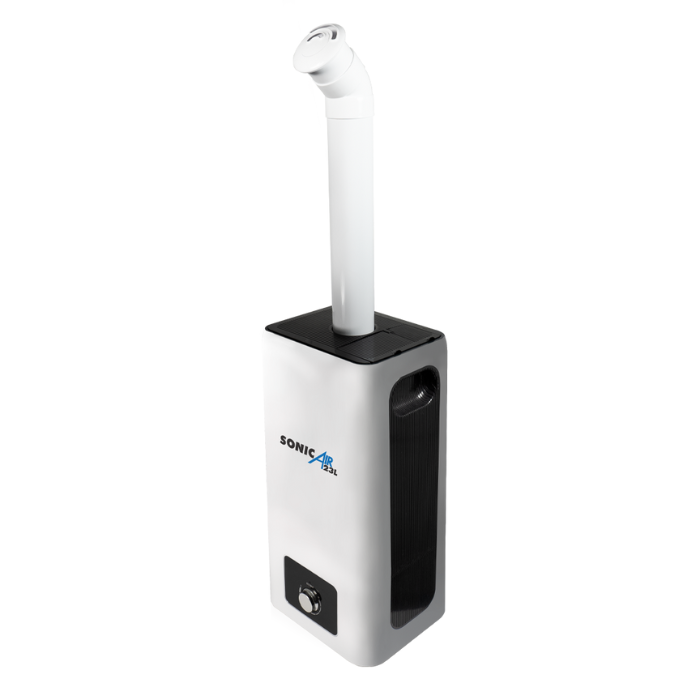
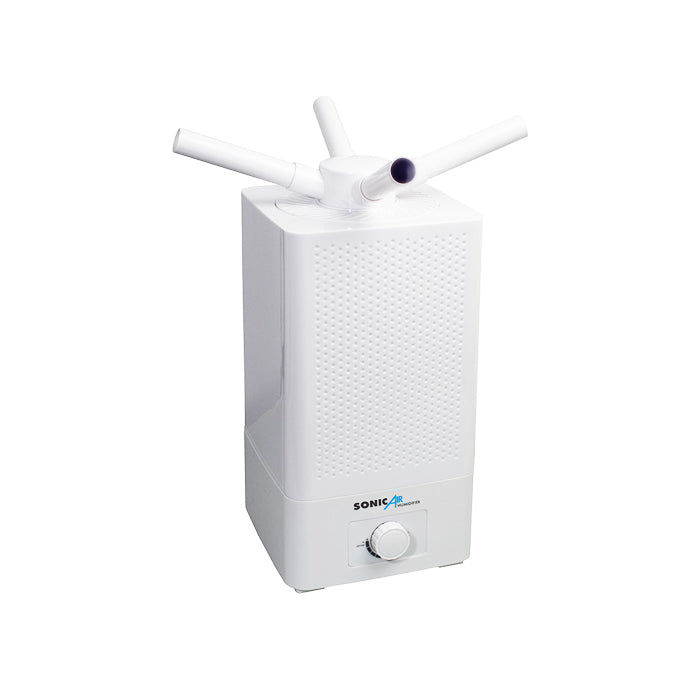
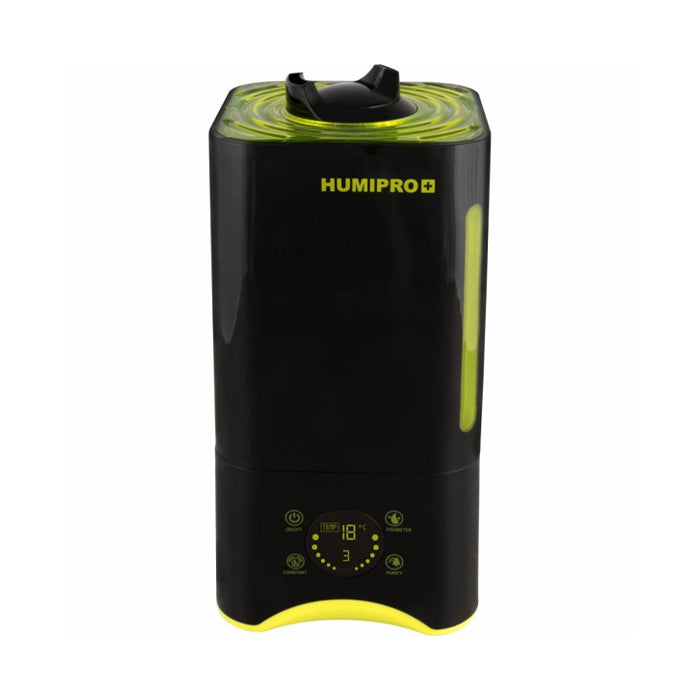
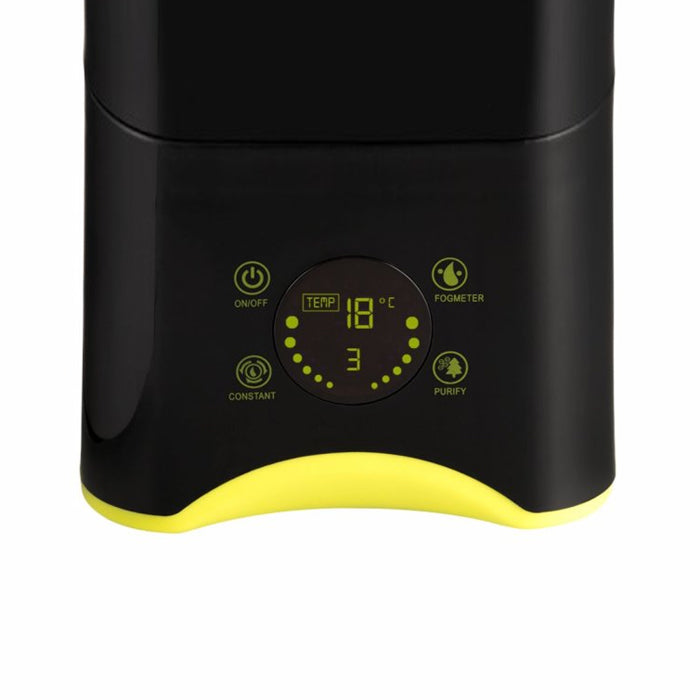
Humidifiers add moisture when the air is consistently too dry. Compare tank capacity, output rate, mist type, run time, controller or humidistat functions and the option for automatic filling. The required output depends on ventilation, room volume, temperature and the moisture already released by plants. Use suitable water and clean the tank, discs and delivery components regularly to control deposits and microbial build-up.
Grow room dehumidifiers
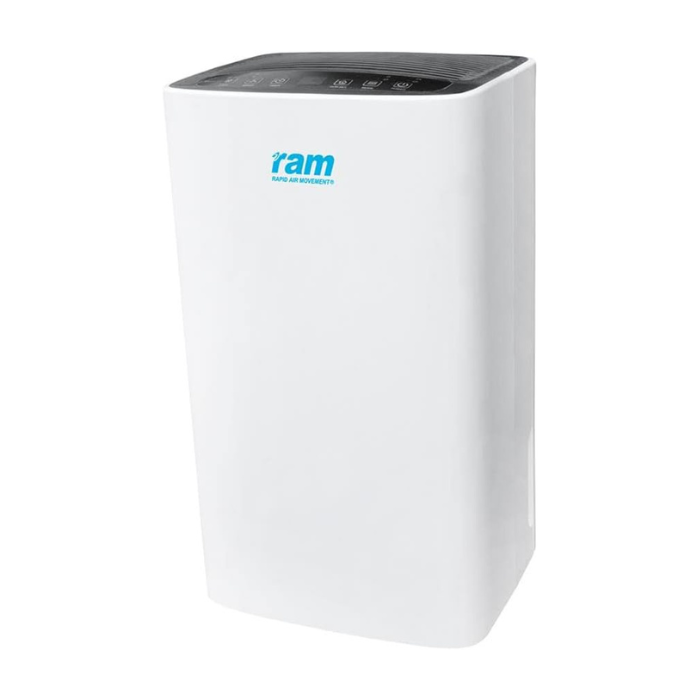
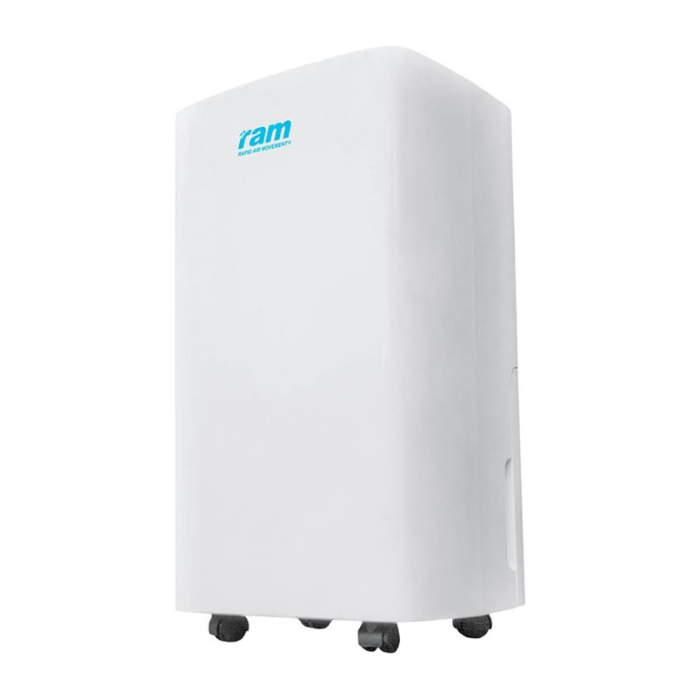
Dehumidifiers remove moisture when ventilation alone cannot maintain the required conditions. Compare extraction capacity at the stated test temperature and humidity, operating-temperature range, power consumption, noise, tank size and continuous-drain options. Published litres-per-day figures are measured under specific conditions and may be lower in a cooler or drier room.
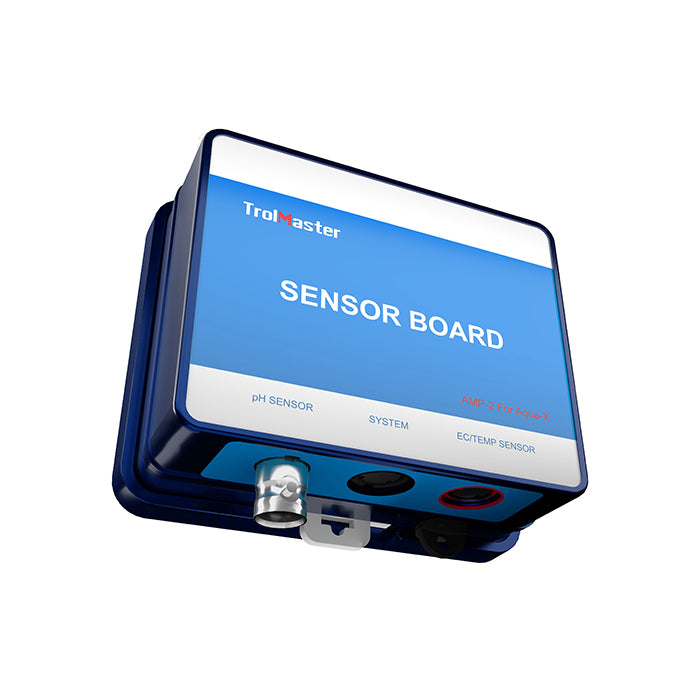
Temperature and humidity controllers
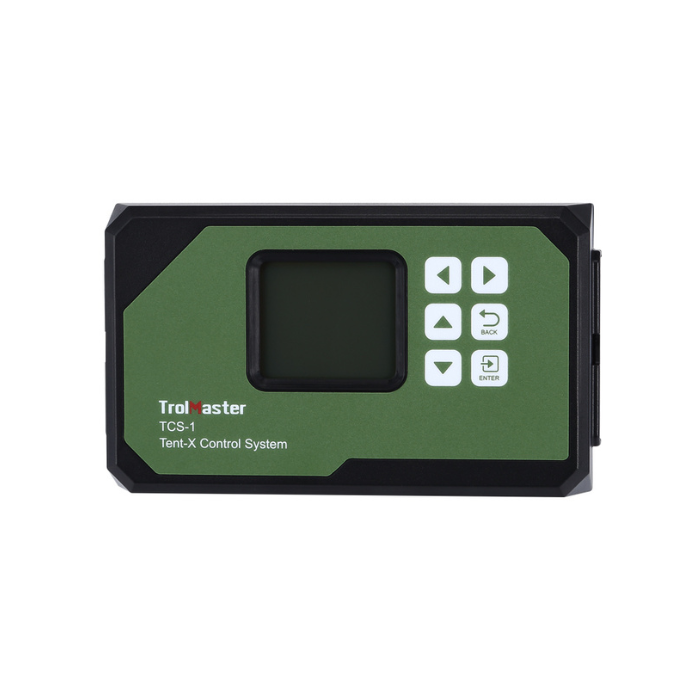
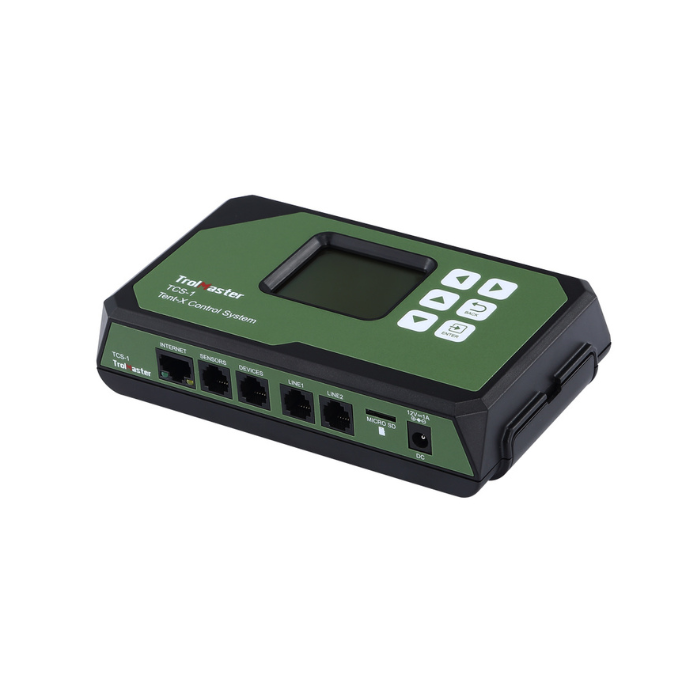
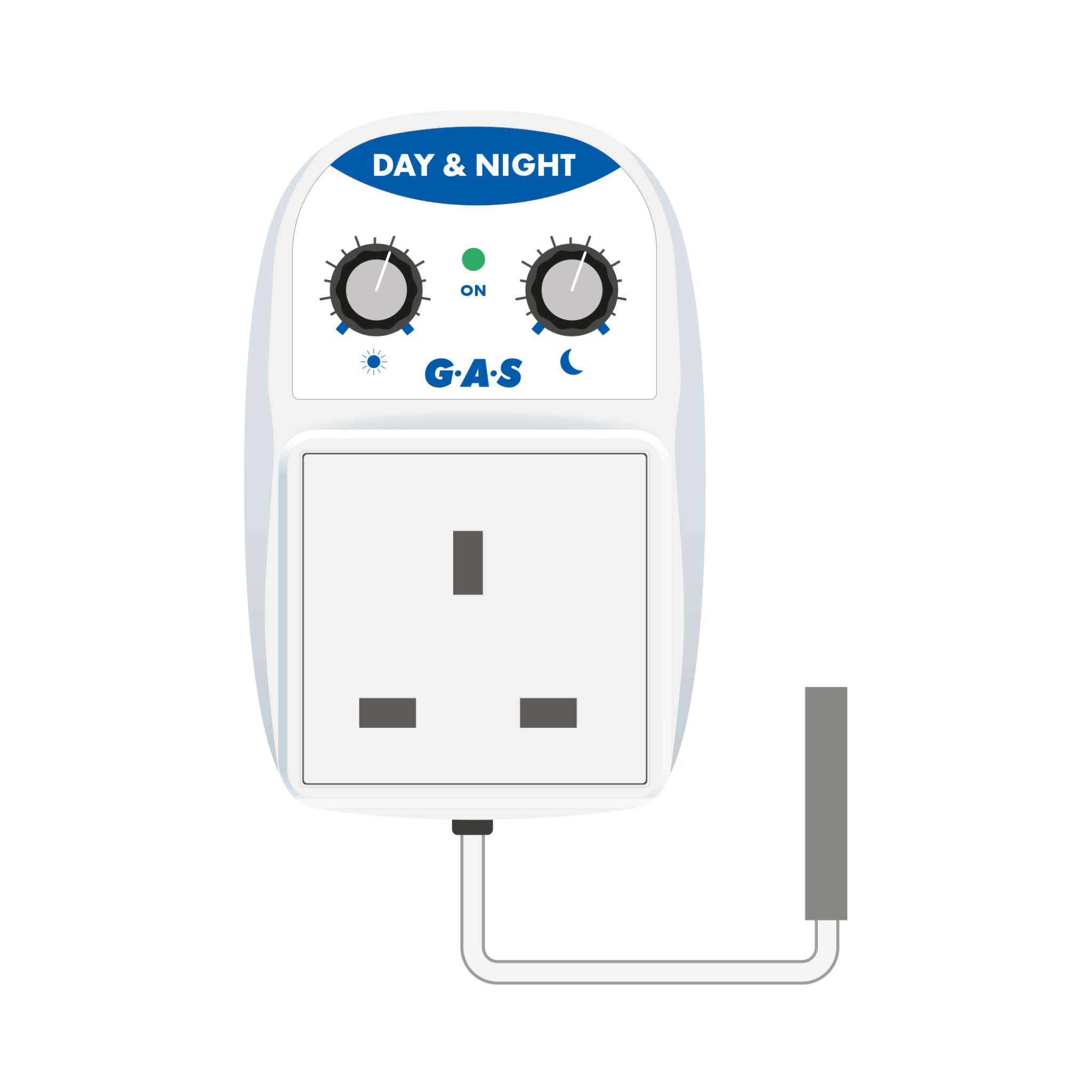
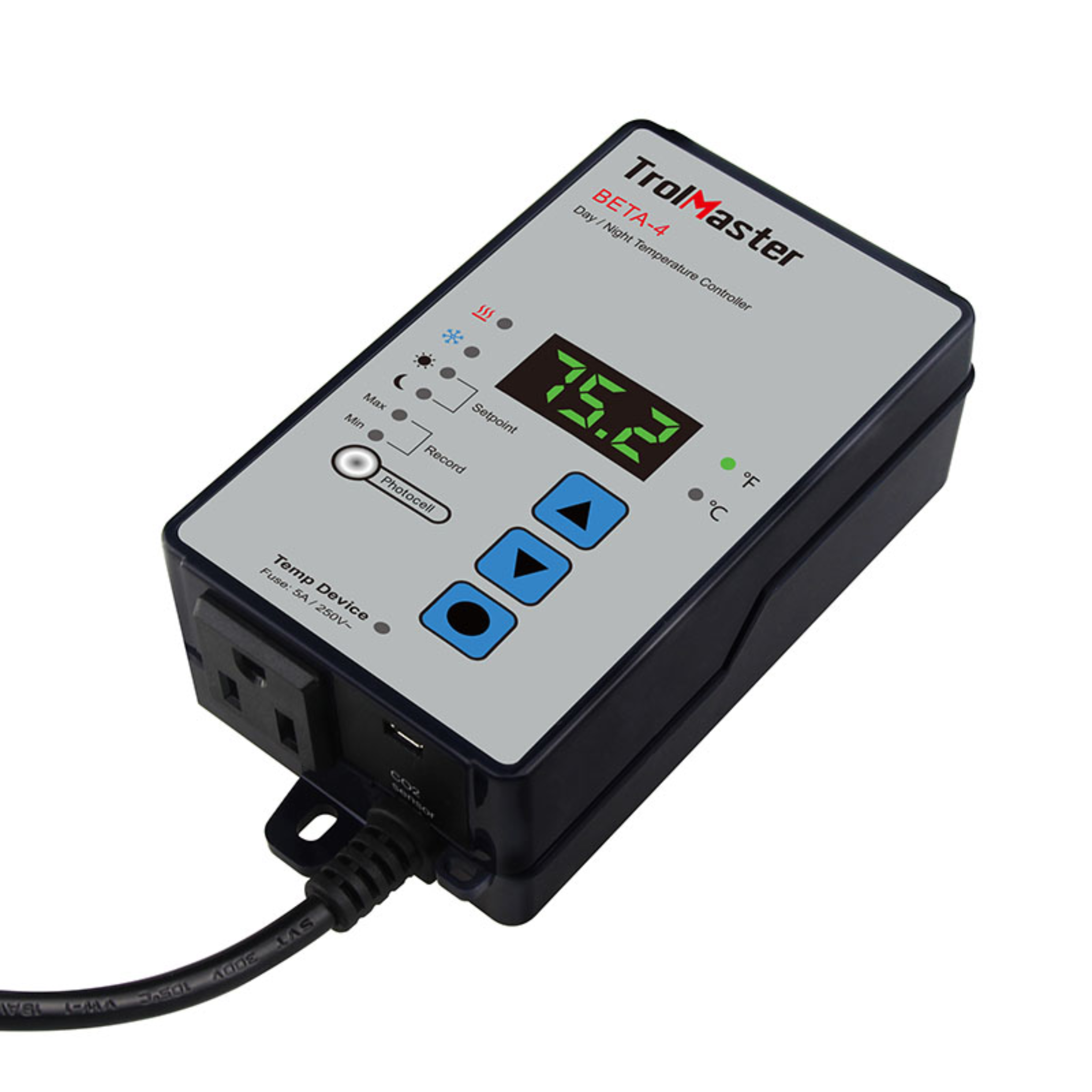
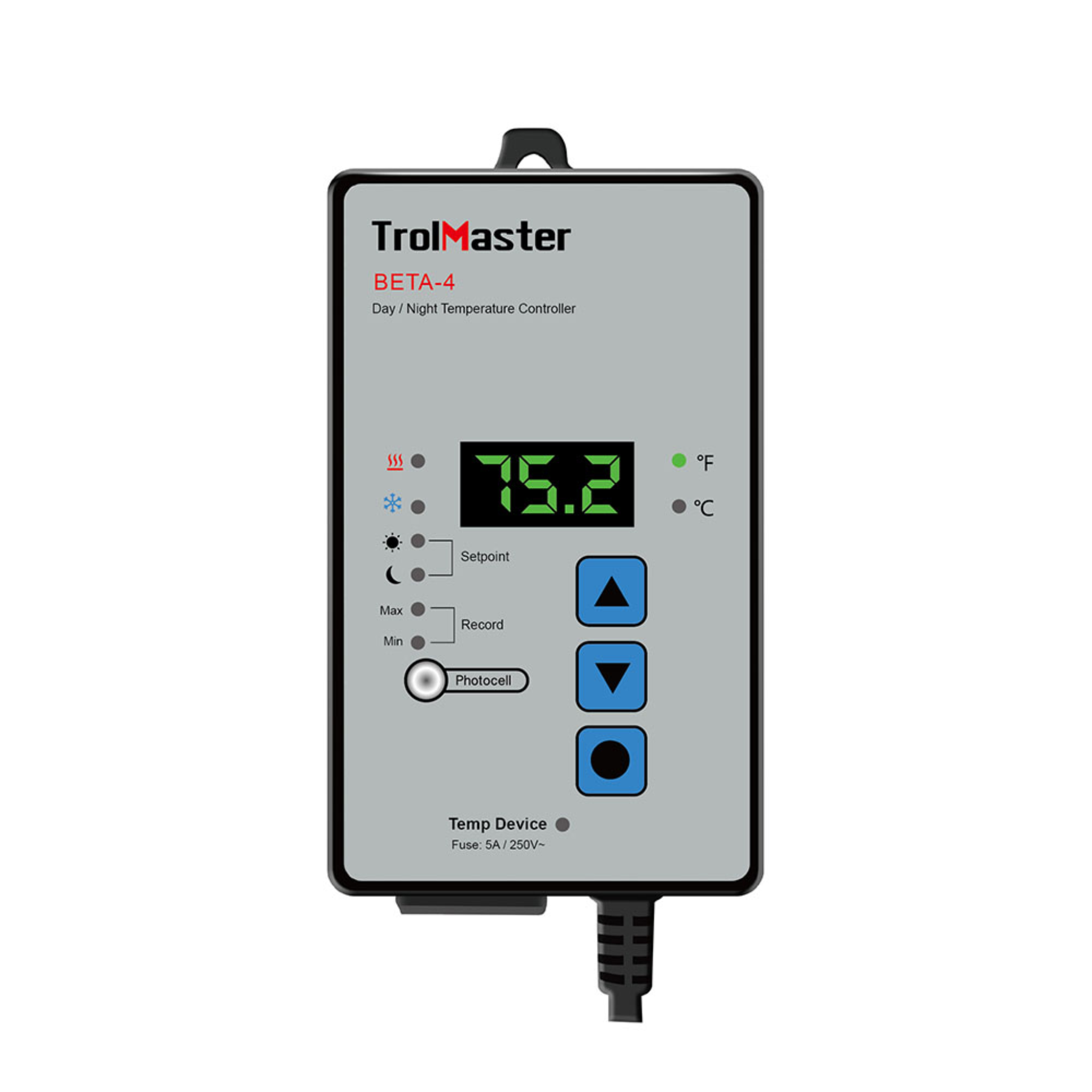
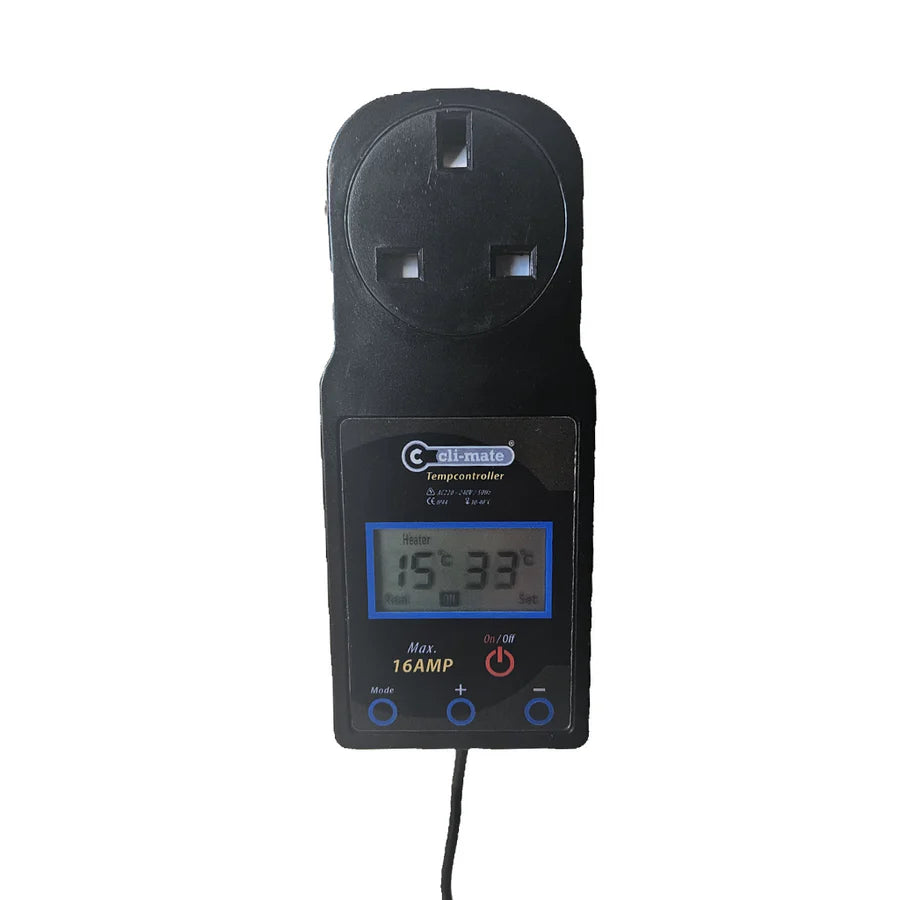
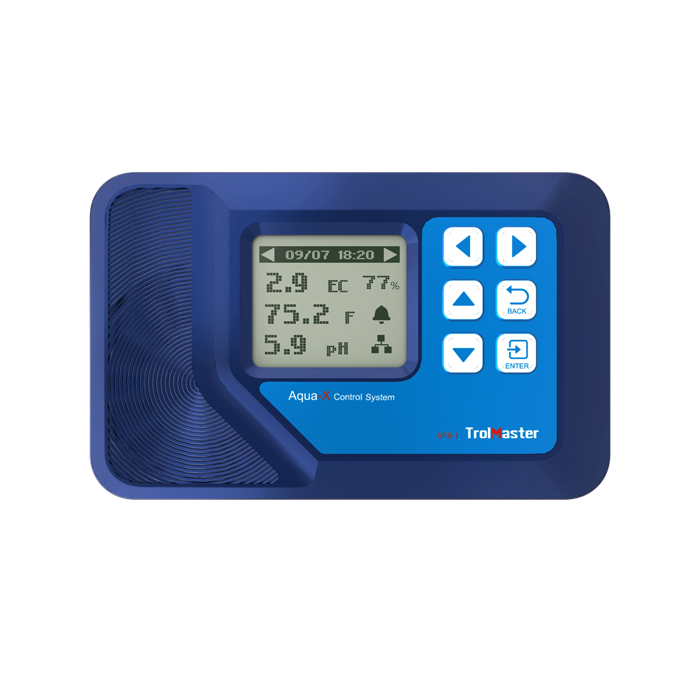
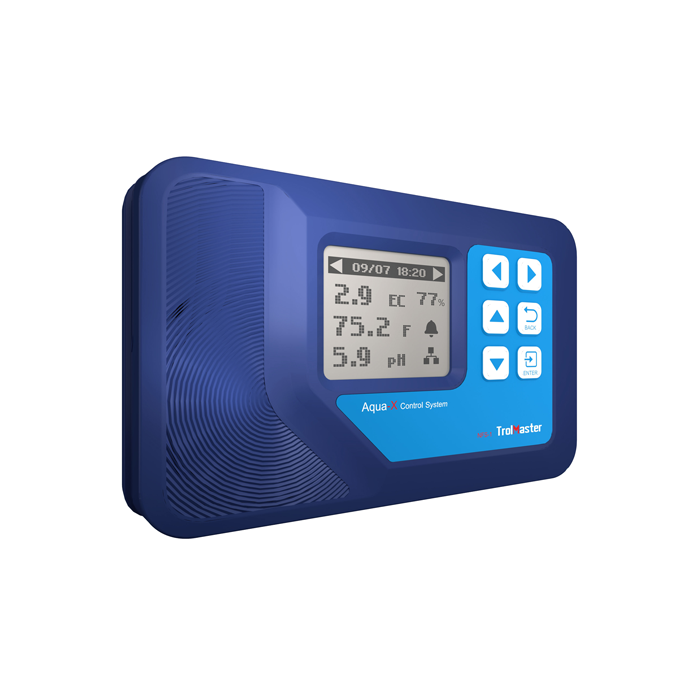
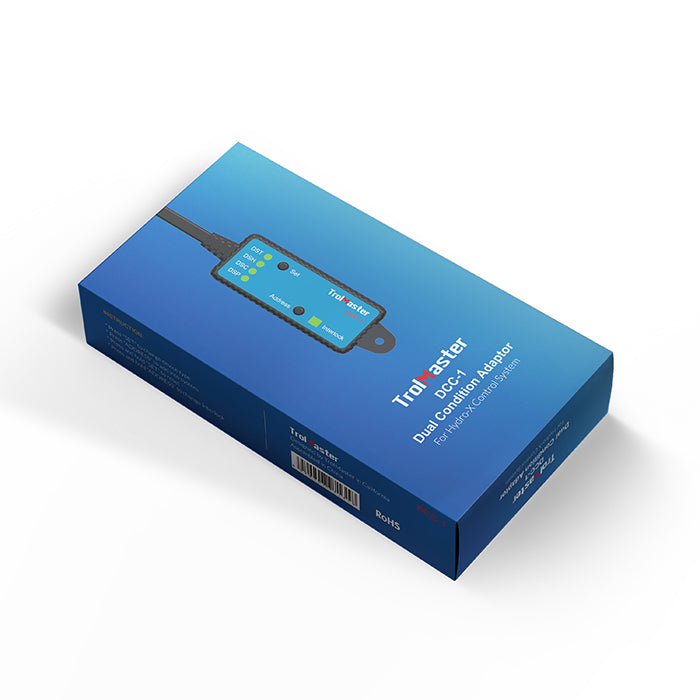
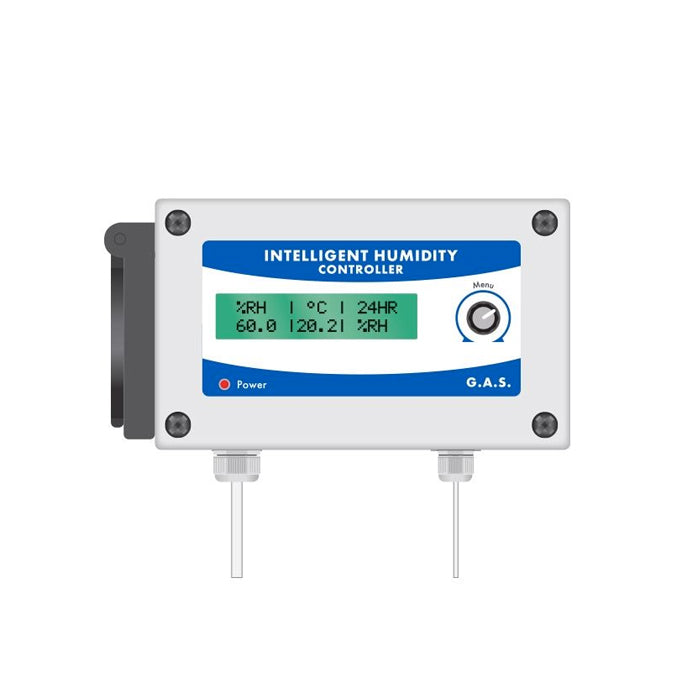
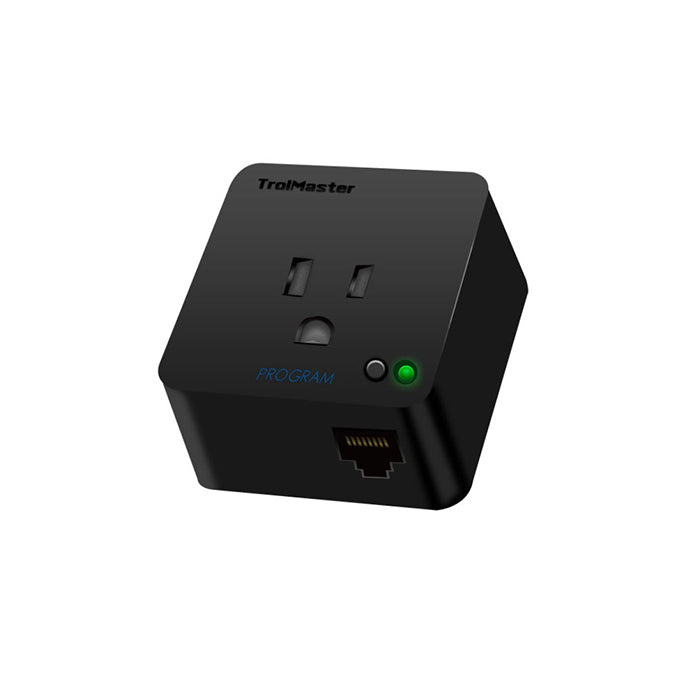
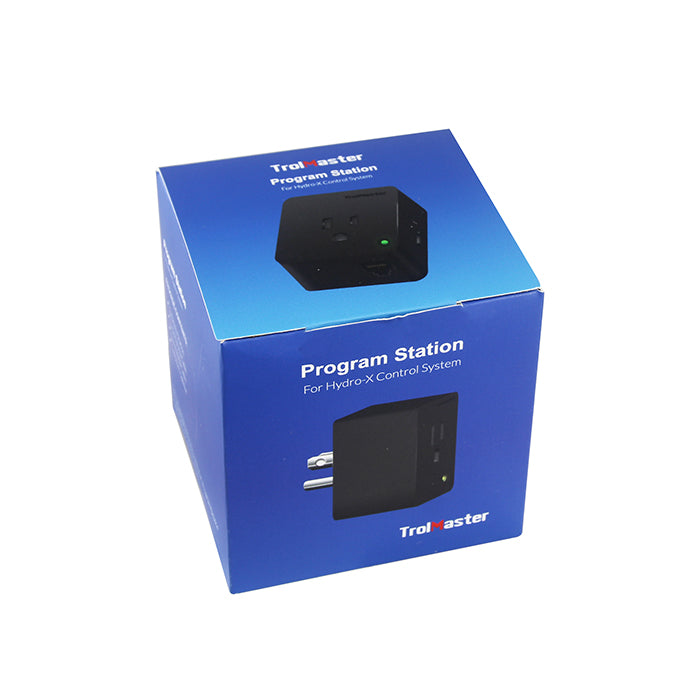
Standalone controllers can switch compatible heaters, humidifiers, dehumidifiers or ventilation equipment around a chosen setpoint. Multi-device environmental systems may coordinate several products and offer schedules, alarms, VPD settings or data logging. Confirm the controller's load rating, switching method, sensor and connection ecosystem before ordering.
How to choose the right equipment
Measure before adding equipment
Record temperature and humidity during the warmest, coolest, light and dark periods. Check more than one part of the room to identify hot, cold or humid pockets. This distinguishes a constant problem from a short daily peak and helps determine whether the solution is improved air movement, ventilation, heating, humidification, dehumidification or a combination.
Match capacity to the real load
Room dimensions are a useful starting point, but equipment, lighting, outdoor conditions, insulation, air exchange, plant density and irrigation all influence the environmental load. Compare heater wattage, humidifier output or dehumidifier extraction capacity with the manufacturer's recommendations and leave appropriate operating headroom without dramatically oversizing the unit.
Choose manual or automatic control
A basic meter and manually adjusted equipment may suit a small, stable area. Automatic control becomes more valuable when conditions change substantially through the day or when equipment needs to respond while the room is unattended. Select a controller with an appropriate sensor, setpoint range, load rating and switching behaviour for the connected product.
Plan water supply and drainage
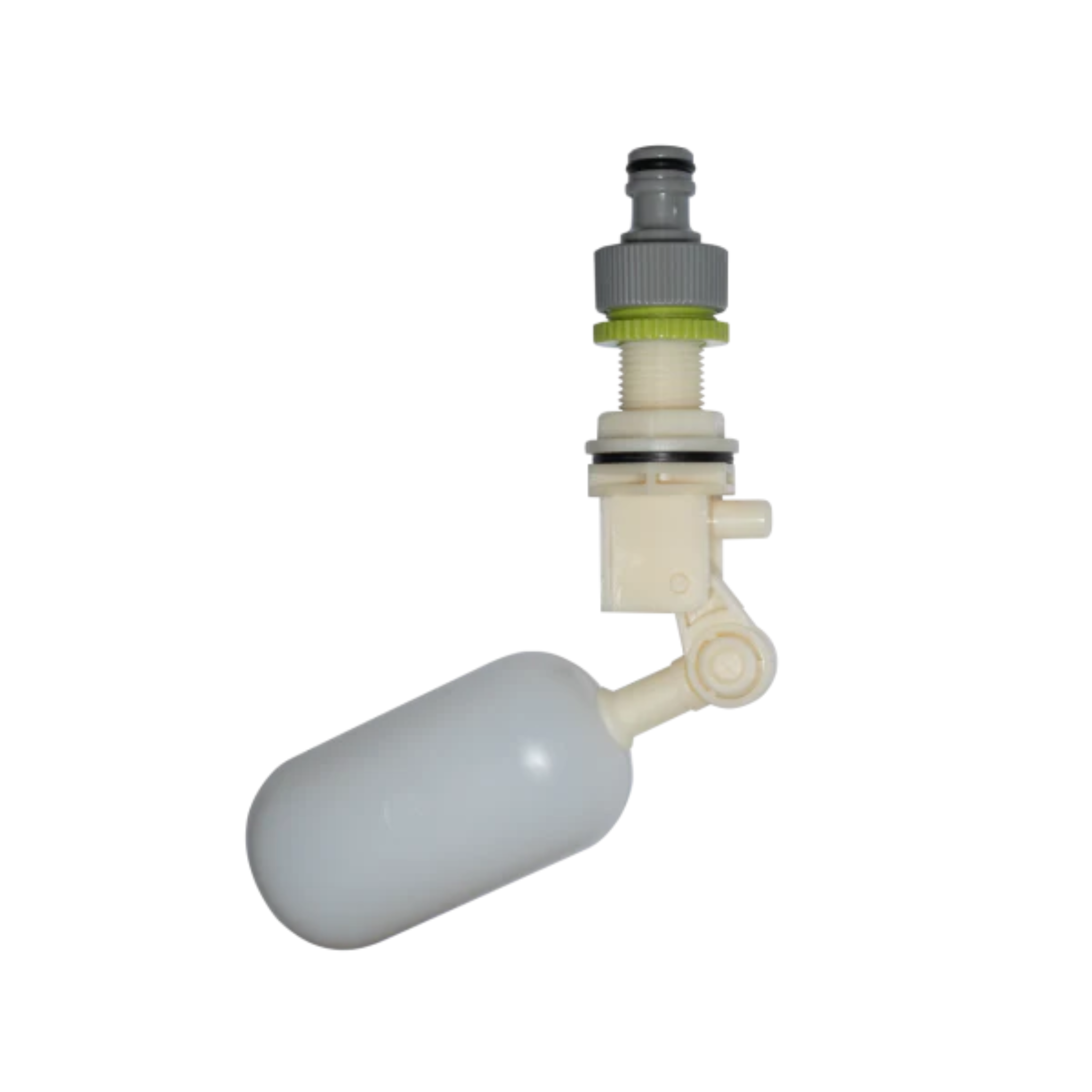
Larger humidifiers may benefit from a float valve or automatic-fill kit, while dehumidifiers can require a continuous gravity drain or condensate pump. Plan safe hose routes, overflow protection and access for cleaning before installation. Keep tanks, pipework and drainage connections away from mains plugs and other electrical equipment.
Check noise and placement
Fans, compressors, pumps and ultrasonic components create different types of sound. Consider where the unit will operate, whether airflow will disturb plants and how vibration transfers through walls or floors. Allow the clearances stated in the manual so air inlets, outlets and heat-dissipation surfaces remain unobstructed.
Confirm compatibility and electrical load
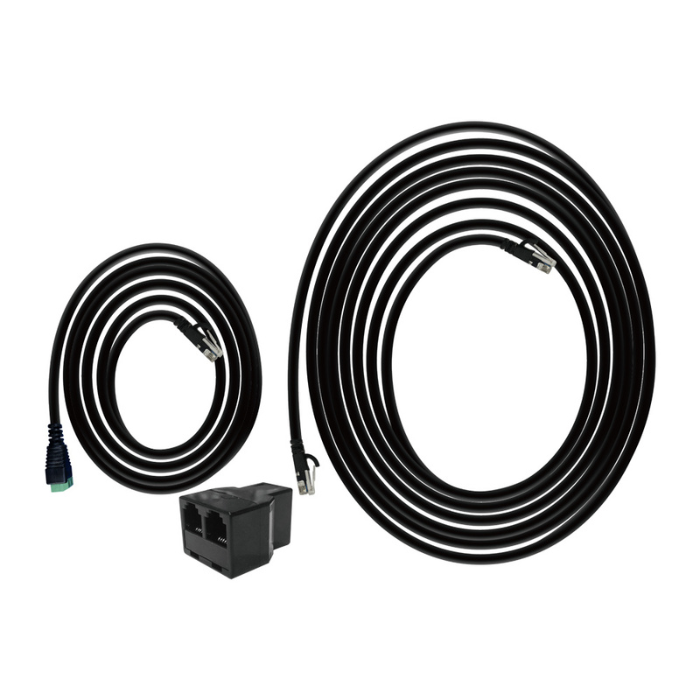
Check the voltage, current, plug type and maximum load of every controller and connected appliance. Some digital or ecosystem products require proprietary cables, sensors or control hubs. Do not connect a heater, humidifier, dehumidifier or fan to a general controller unless both manufacturers confirm that the switching method and electrical rating are suitable.
Where to position temperature and humidity sensors
- Measure the growing area: place the sensor close to the zone you want to manage, with free air around it.
- Avoid direct airflow: keep it out of the immediate stream from a fan, heater, humidifier, dehumidifier or intake.
- Avoid radiant heat: do not rest the sensor against a warm light fitting, radiator, wall or other heat source.
- Protect it from moisture: prevent mist, spray, condensation and irrigation water from reaching equipment that is not rated for it.
- Use more than one reading: larger rooms may need several sensors to reveal different environmental zones.
- Reposition as the room changes: review sensor height and location as plants, lighting and airflow layouts develop.
Allow a moved sensor time to settle before acting on the reading. If two instruments disagree significantly, place them together temporarily and compare their response under the same conditions before deciding which area needs adjustment.
Balance temperature, humidity and airflow
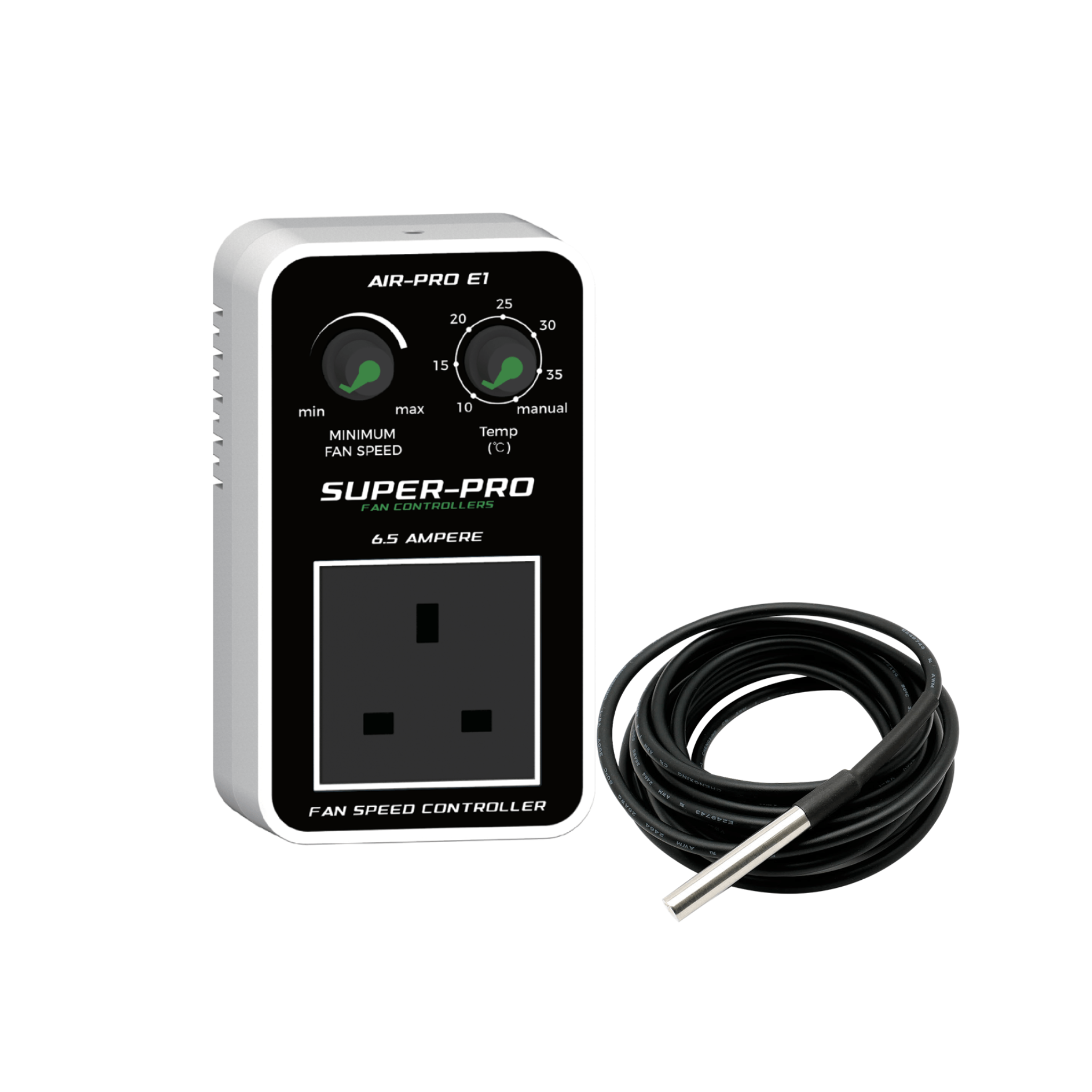
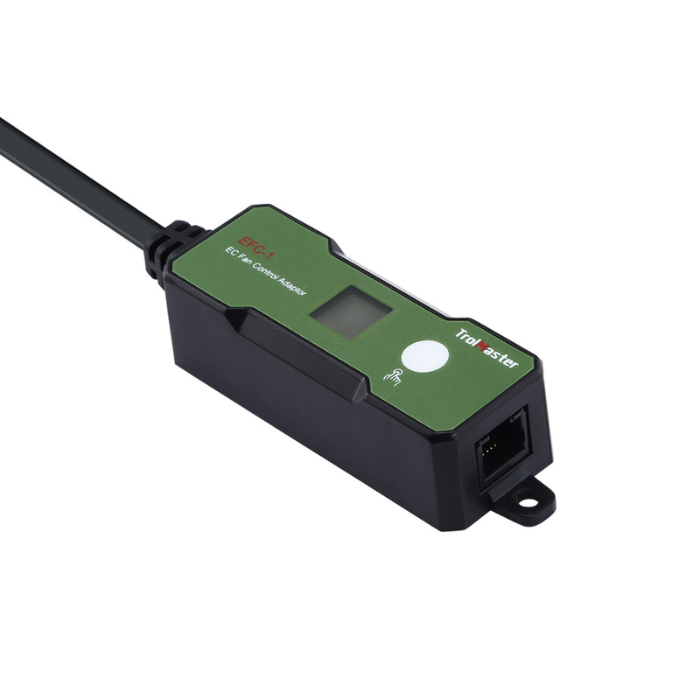
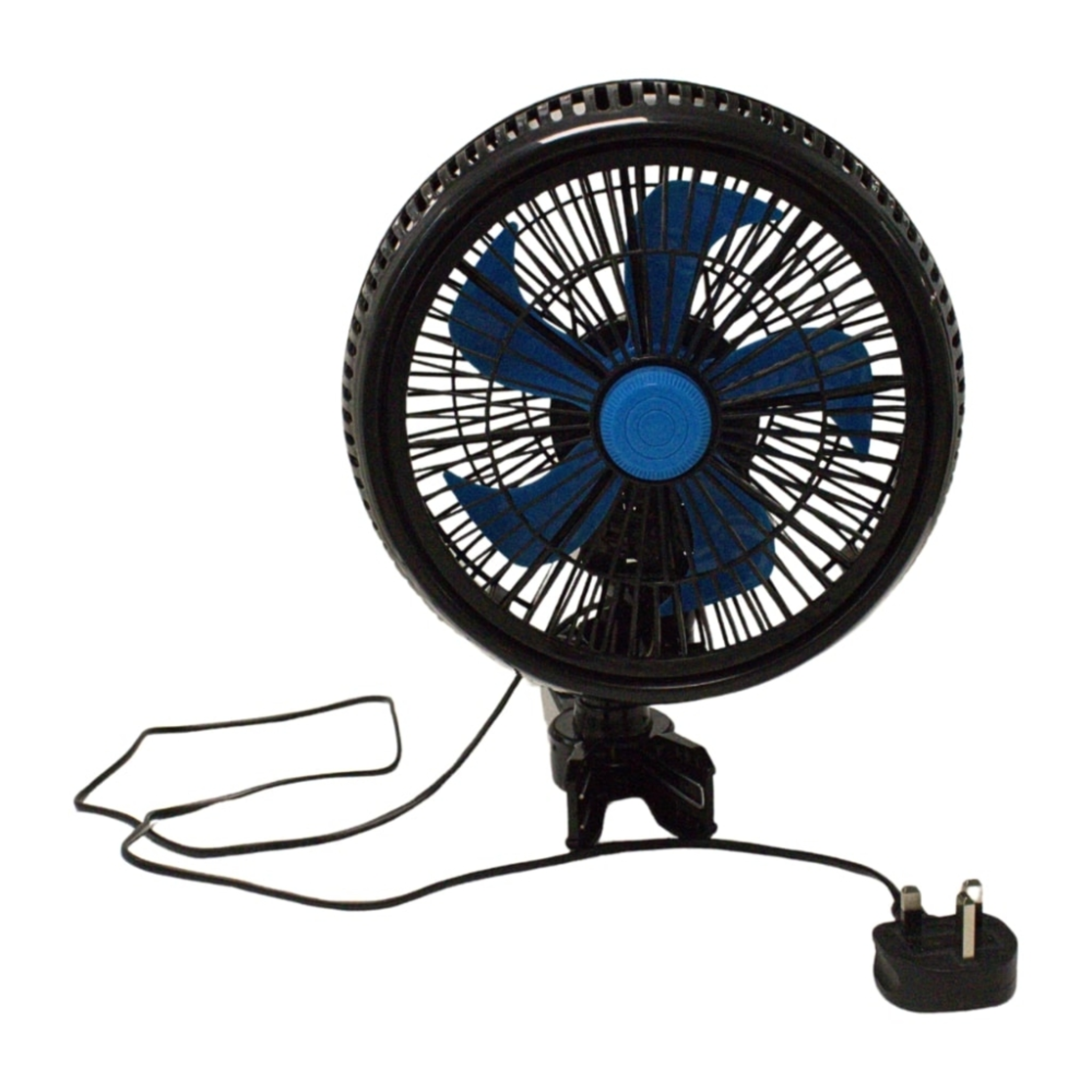
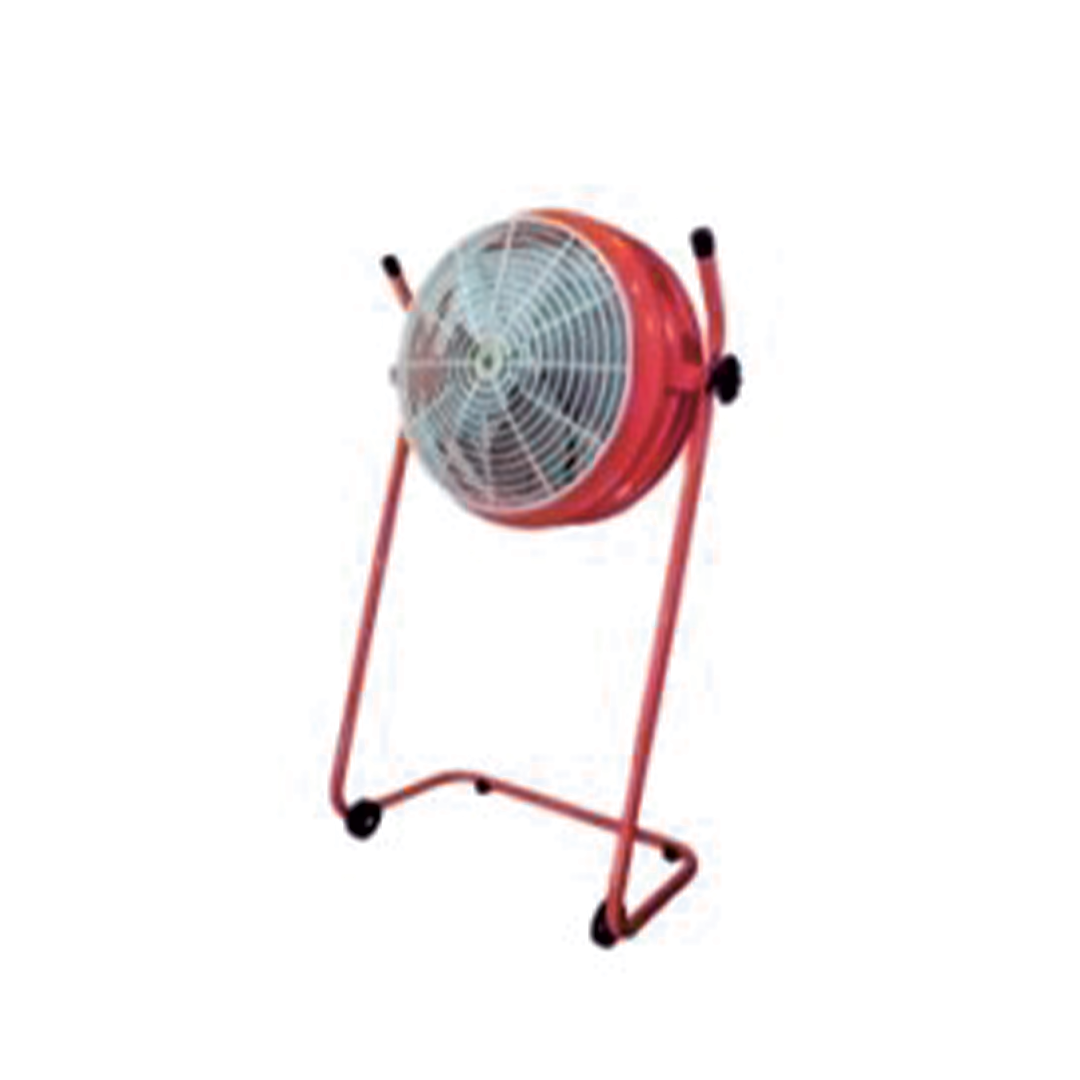
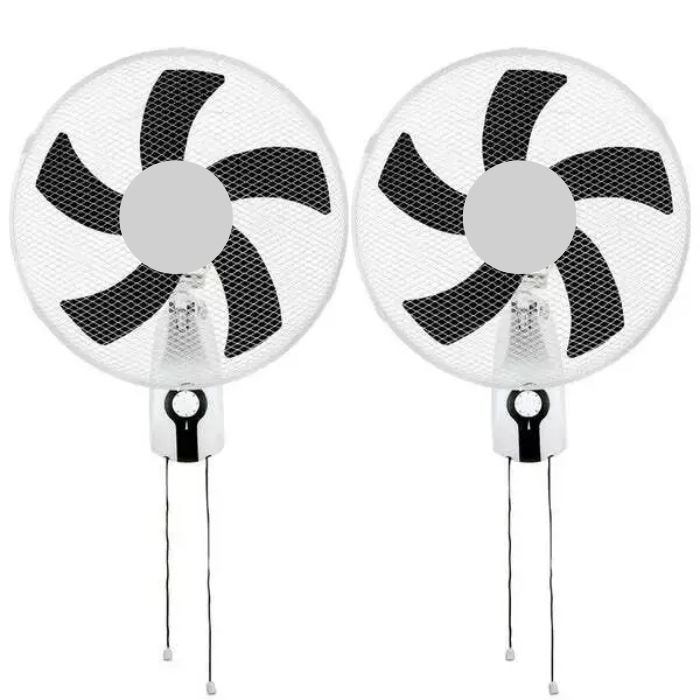
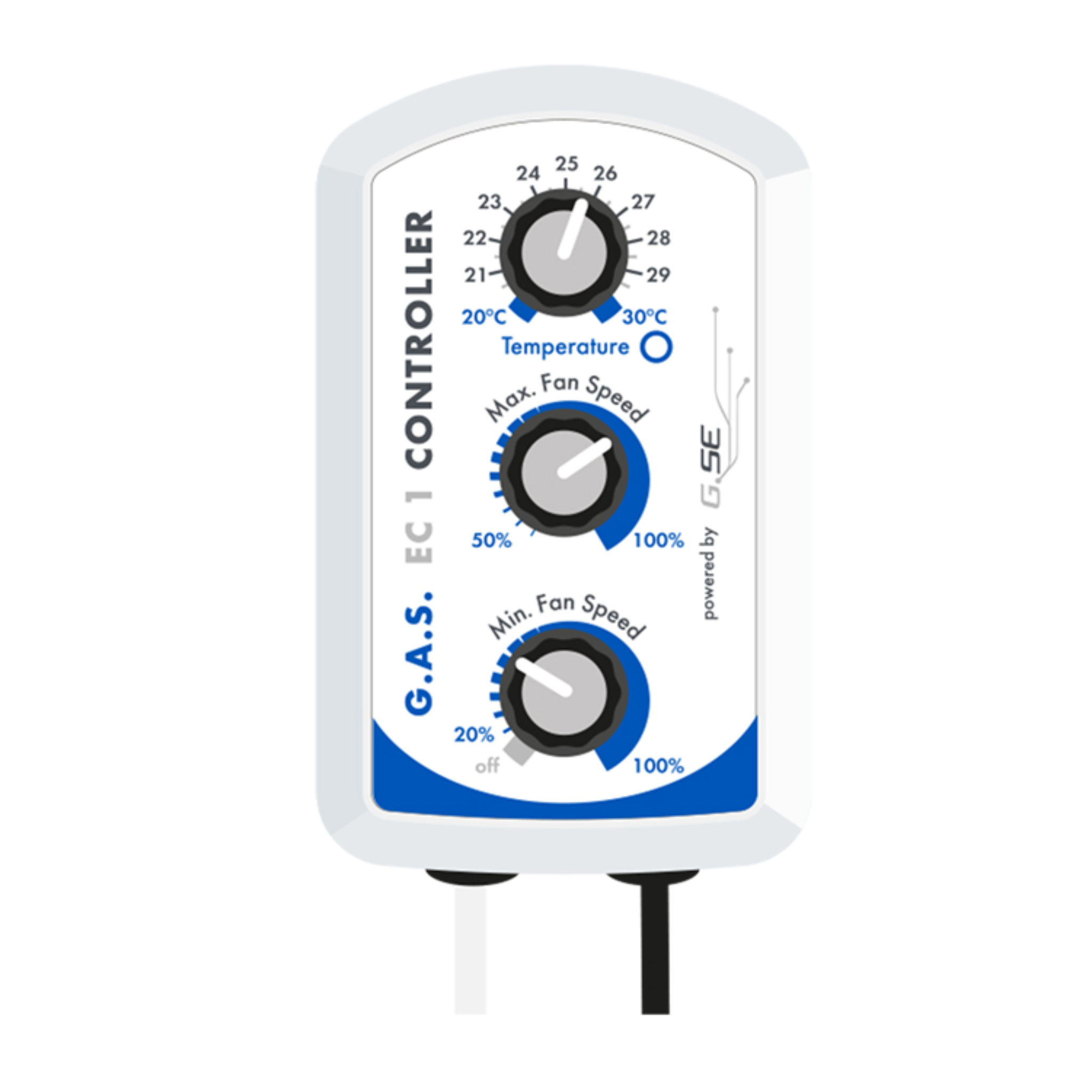
Environmental equipment works best as part of a complete airflow plan. Use correctly sized extraction and intake fans to exchange warm, moist air, and add air circulation fans to reduce stagnant zones. Compatible fan speed controllers can refine ventilation output, while our broader climate control range includes equipment for more integrated environmental management.
Avoid allowing heating and cooling—or humidification and dehumidification—to operate against one another continuously. Where equipment overlaps, use coordinated setpoints, an appropriate dead band or a compatible environmental controller so each device has a clear job.
Using environmental equipment safely
- Follow the product manual, operating-temperature range and stated room or output guidance.
- Keep mains connections, controllers and extension leads away from tanks, hoses, mist, condensation and standing water.
- Allow the required clearances around heaters, dehumidifiers and air inlets or outlets.
- Clean and descale water-handling equipment at the recommended intervals.
- Check filters, drains, tanks, probes and cables regularly for blockage, damage or contamination.
- Stop using equipment that leaks, overheats, trips the supply or develops damaged wiring, unusual noise or a burning smell.
Do not modify plugs or bypass safety devices. Fixed electrical work and circuits for high-load equipment should be assessed and installed by a competent person.
Why buy temperature and humidity equipment from Holland Horticulture?
Established in 1996, Holland Horticulture supplies thermometers, hygrometers, heaters, humidifiers, dehumidifiers, sensors and environmental controllers for indoor horticulture. Our range covers straightforward monitoring and advanced automated systems, supported by experienced advice, UK delivery and Click & Collect.
Temperature and humidity FAQs
What is the best temperature and humidity for a grow room?
Targets vary by plant species, growth stage, lighting period and cultivation method. Use guidance specific to the crop and monitor plant response rather than relying on one universal figure. Record both temperature and relative humidity because changes in one can affect the other.
What is the difference between a thermometer and a hygrometer?
A thermometer measures temperature, while a hygrometer measures relative humidity. Many grow room monitors combine both functions in one display and may also store minimum and maximum readings.
Where should a hygrometer go in a grow room?
Place it in a representative part of the growing area with free air around it. Keep it away from direct fan streams, heaters, humidifier mist, wet surfaces, exterior draughts and intense radiant heat.
Do I need a humidifier or better ventilation?
Use measurements to identify the problem. A humidifier addresses air that is consistently too dry, while ventilation removes accumulated heat and moisture and introduces replacement air. Increasing humidification cannot correct inadequate air exchange, and excessive ventilation can make a dry room harder to manage.
How large a dehumidifier do I need?
Consider room volume, temperature, plant and irrigation moisture load, ventilation and the required humidity reduction. Compare the unit's extraction rating at the manufacturer's test conditions, its lower-temperature performance and whether continuous drainage is required.
Can I plug a heater or humidifier into any controller?
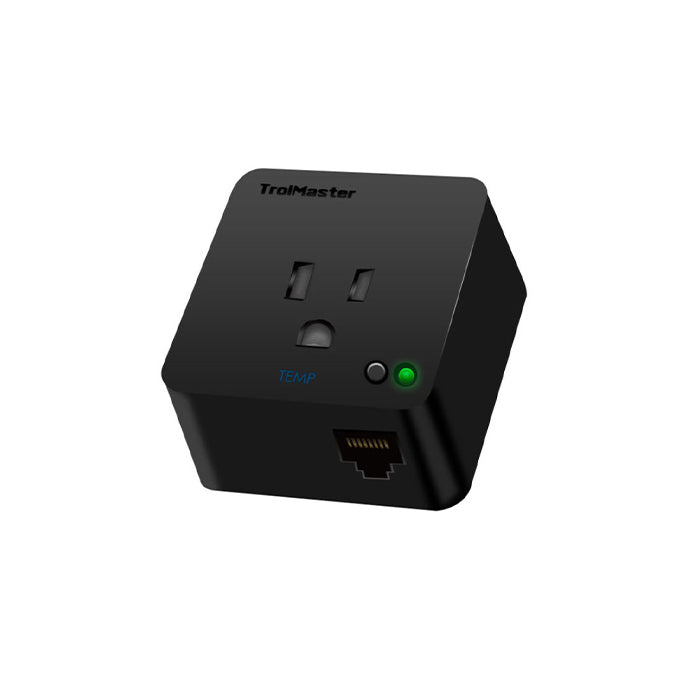
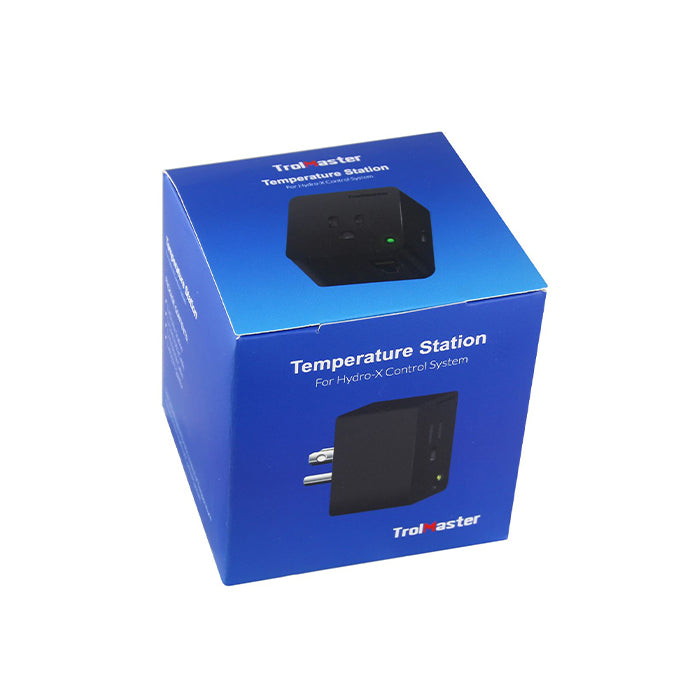
No. The controller must support the appliance type, voltage, start-up behaviour and total electrical load. Smart or digitally controlled equipment may require a matching control plug, station or ecosystem rather than a general thermostat or humidistat.
What does minimum and maximum memory mean?
Min/max memory stores the highest and lowest readings recorded since the memory was last reset. It helps identify temperature or humidity peaks between visits, but it does not show when or for how long the peak occurred unless the monitor also includes logging.
What is VPD?
Vapour pressure deficit describes the difference between the moisture the air can hold and the moisture it currently contains, taking temperature into account. It can be a useful environmental indicator, but accurate sensor placement and crop-specific targets remain essential.